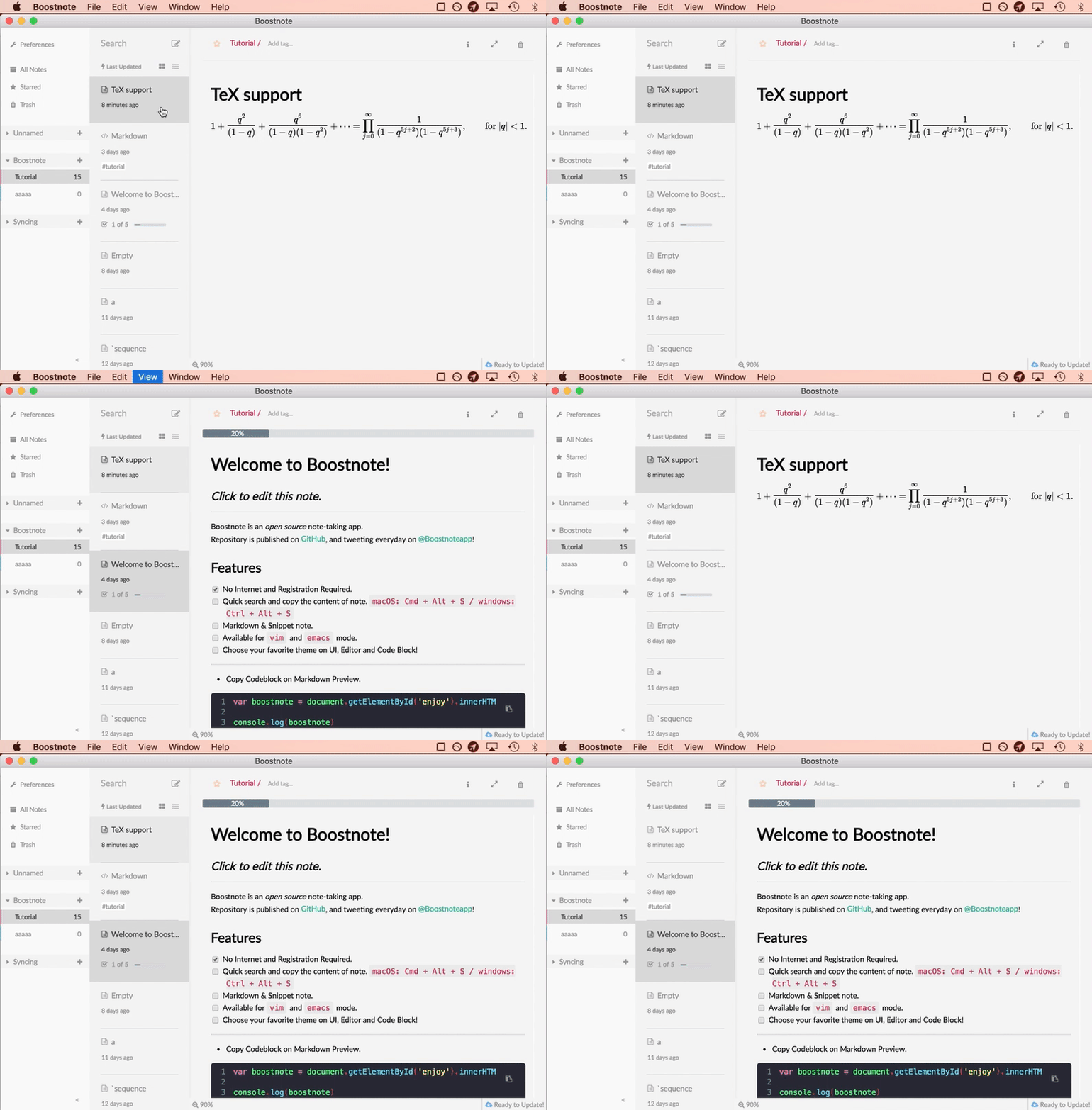
Keyboard Shortcuts
| Keys | Behaviour |
|---|---|
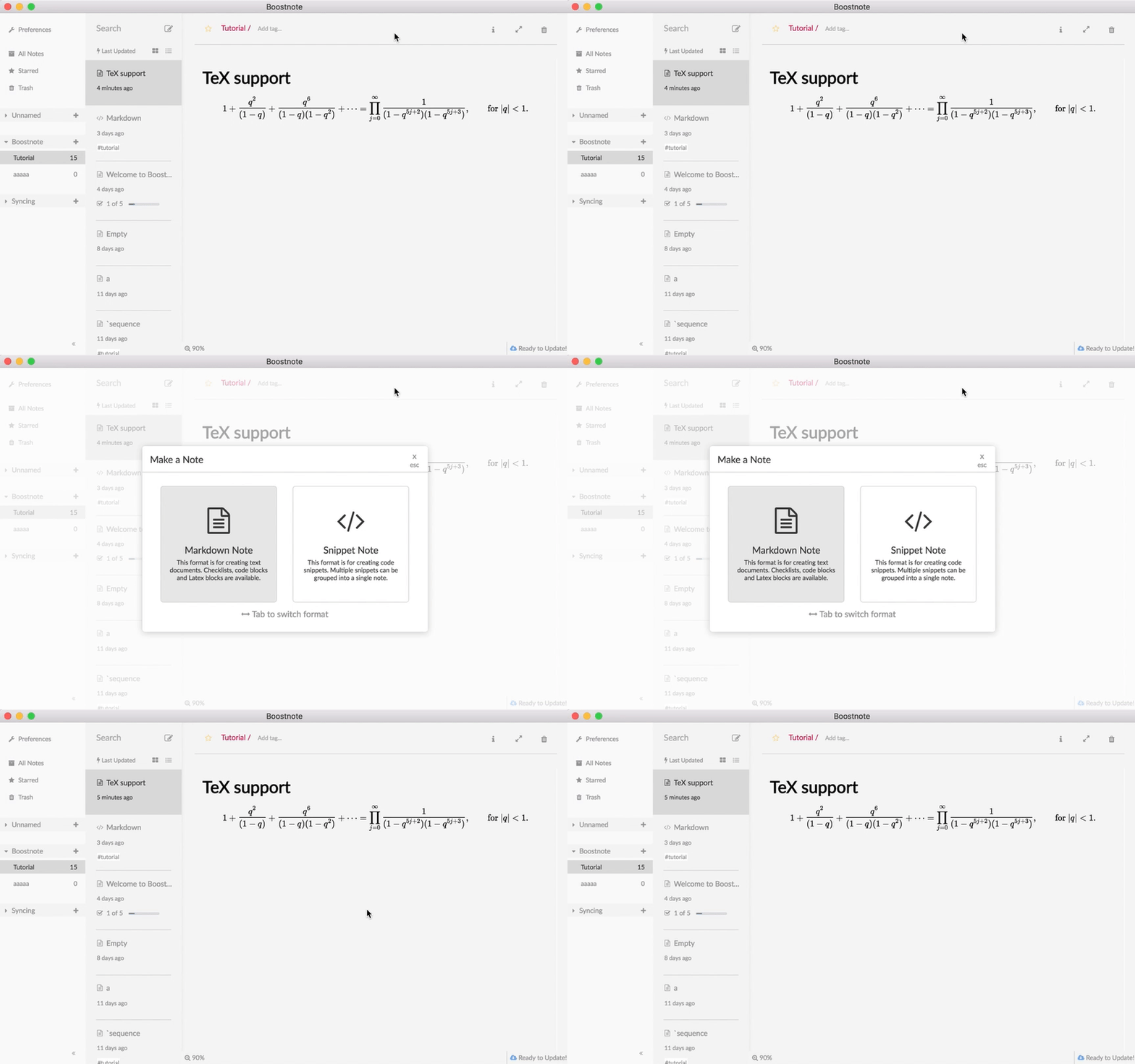
| Cmd(or Ctrl) + N | Create a new note |
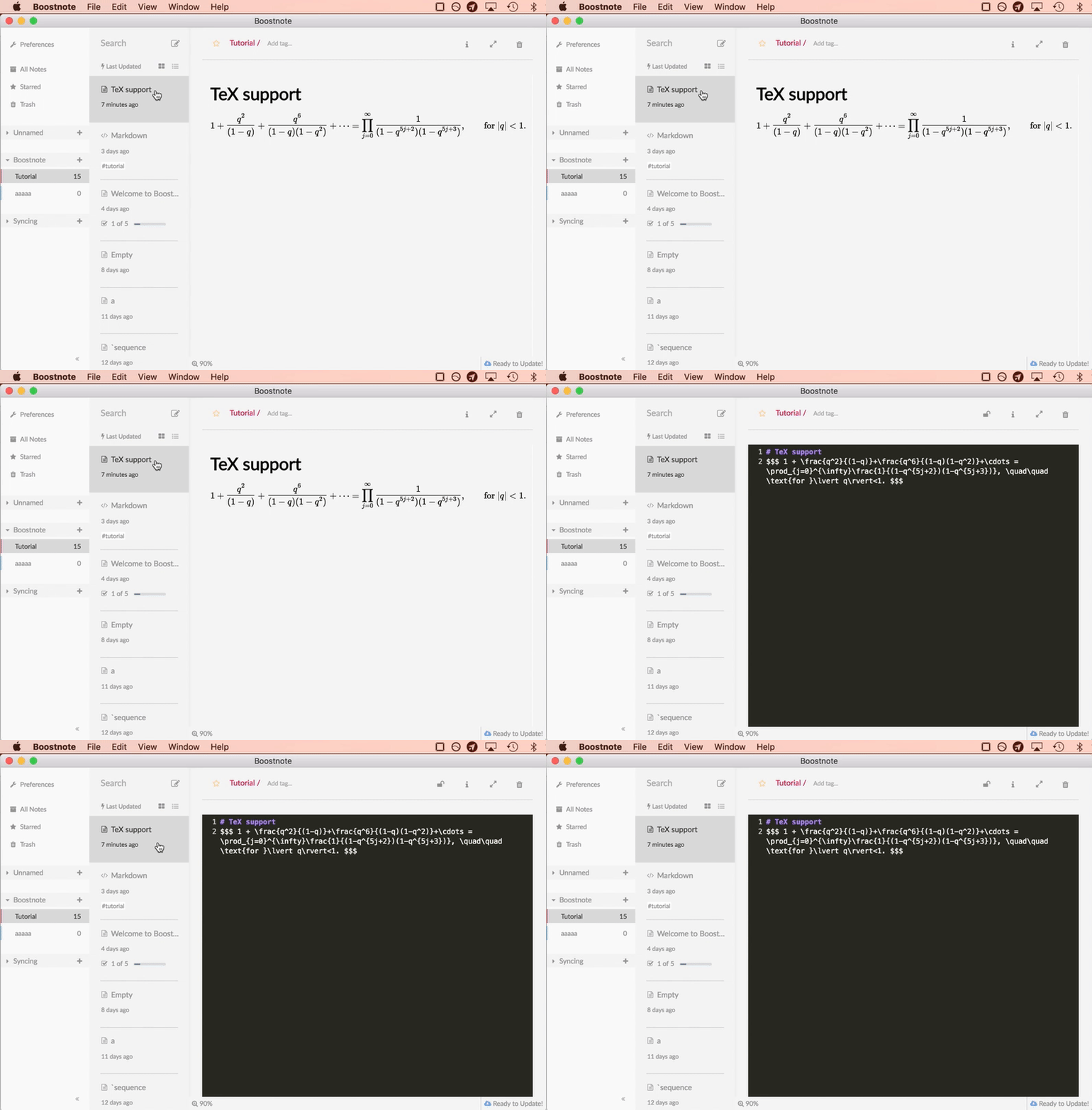
| Ctrl + E | Enter Editor mode |
| Ctrl + W | Exit Editor mode |
| Ctrl + J | Move to the note below |
| Ctrl + K | Move to the note above |
| Ctrl + S | Focus on search input |
| Ctrl + Del | Delete the note |
| Ctrl(Cmd) + Alt + L | Toggle main (customizable in Preference) |
| Ctrl(Cmd) + Alt + S | Toggle Finder popup(customizable in Preference) |
It opens a note creation modal.
It focuses the editor.
It moves the below/above note.