


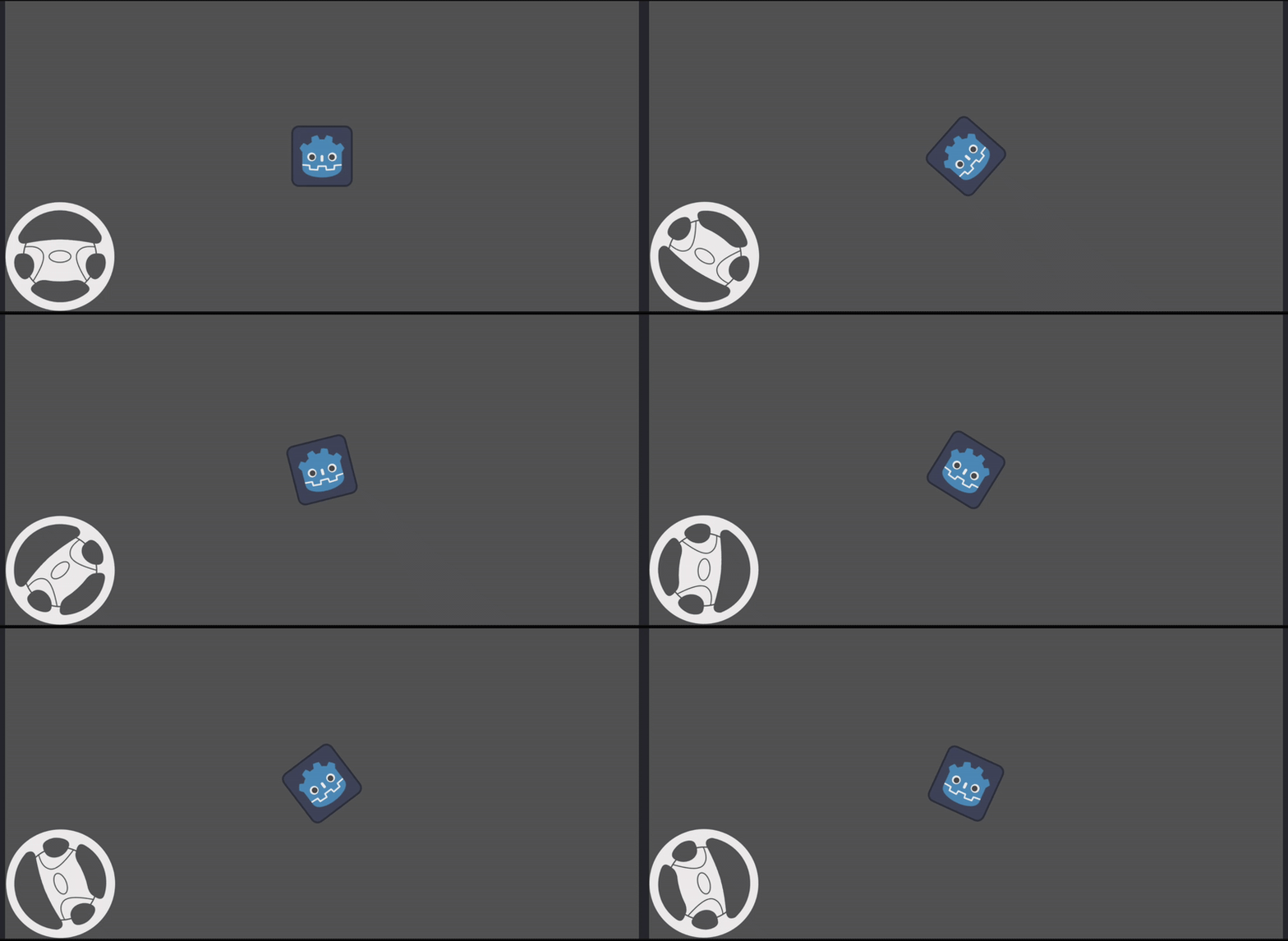
A simple and customizable virtual steering wheel plugin for mobile car games and other vehicle-based projects in Godot 4
Intuitive Touch Control: The steering wheel is controlled by a simple drag motion.
Customizable Sensitivity: Adjust the wheel_sensitivity to fine-tune the feel of the steering.
Auto-Return: The wheel automatically returns to the normal rotation when the player is not touching the screen, with an adjustable return speed.
Clampable Rotation: Set a rotation_limit to prevent the steering wheel from rotating too far.
Normalized Output: Get a normalized output value between -1 and 1 for easy use with vehicle physics.
Debug Output: Get the steering rotation in degrees for debugging or specific use cases.
Download the from assets library.
Important: For the plugin to work correctly, you must enable emulate touch from mouse in Project Settings under input_devices -> pointing.
Instancate the virtual_steering.scn scene from addons/VirtualSteering.
adjust the size, texture, etc if needed
Access the output from another script (e.g., your car's main script) to control your vehicle's steering.
Here's an example of how you might use the get_output() function in your car's script:
extends VehicleBody3D

@onready var virtual_steering = $"[path_to_your_VirtualSteering_node]"

func _physics_process(delta):
	# Get the steering output from the virtual steering wheel
	var steering_input = virtual_steering.get_output()

	# Apply the steering input to your vehicle
	steering = steering_input * 1.5 # You can multiply this value to adjust turn radius
engine_force = 1000 # Example to move the car forwardYou can customize the steering wheel's behavior by adjusting the following properties in the Inspector:
rotation_limit: The maximum rotation limit in degrees. The wheel will not rotate beyond this value in either direction. (Default: 180)
output_limit: The maximum rotation in degrees that will be returned as an output. This value is used to scale the output to the -1 to 1 range. (Default: 60)
wheel_sensitivity: A factor that determines how much the wheel rotates in response to a drag gesture. (Default: 12, Range: 1 to 20)
ignore_zone_inside: Dismiss screen drag if touch comes inside it's radius (Default: 0.5, Range: 0.1 to 1)
wheel_return_speed: A speed factor for how quickly the wheel returns to its normal rotation when released. A smaller value means a faster return. (Default: 0.2, Range: 0.1 to 1)
Feel free to open an issue or submit a pull request if you have any suggestions or improvements.