- OpenAI API key
Steps to set up and run the demo:
python3 -m venv rag_demo
. rag_demo/bin/activate
pip install git+https://github.com/mminichino/cb-rag-langchain-demo
demo_run
To exit from the Python virtual environment:
deactivate
Notes:
- The reset feature to flush the bucket and start over is not supported on Capella. Please flush the bucket from the Capella UI.
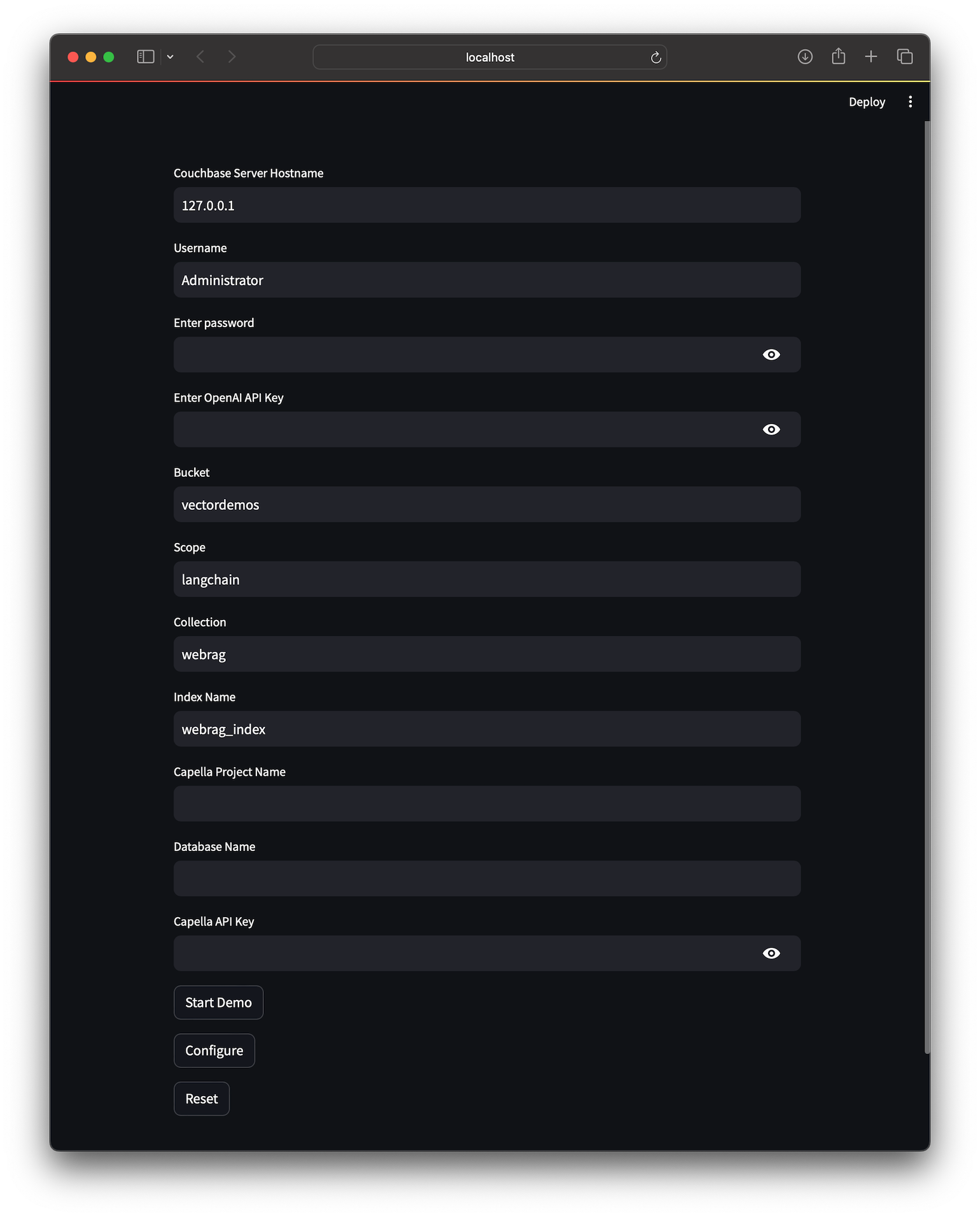
- Enter the parameters needed to connect to your Couchbase server.
- You will need a Capella API key to create the bucket on Capella. Otherwise, create the bucket in the Capella UI before you run the demo.
- You can also pass parameters to
demo_runand they will be populated in the UI. - If the environment variable OPENAI_API_KEY is set, it will be imported into the UI.
- Click Configure to configure the cluster for the demo. Then click Start Demo to start the demo.
| Option | Description |
|---|---|
| -u | User Name |
| -p | User Password |
| -h | Cluster Node or Domain Name |
| -b | Bucket name |
| -s | Scope name |
| -c | Collection name |
| -i | Index name |
| -K | OpenAI API Key |