
Get some emoji in your prompt!
curl https://raw.githubusercontent.com/smurthas/psemoji/master/$(python -c 'import urllib; print urllib.quote_plus("👍")') | bashThe install script will set up a cronjob that will pull down weather info and
add an export PS= line to your ~/.profile. 👌
(if you aren't on Safari, click here)
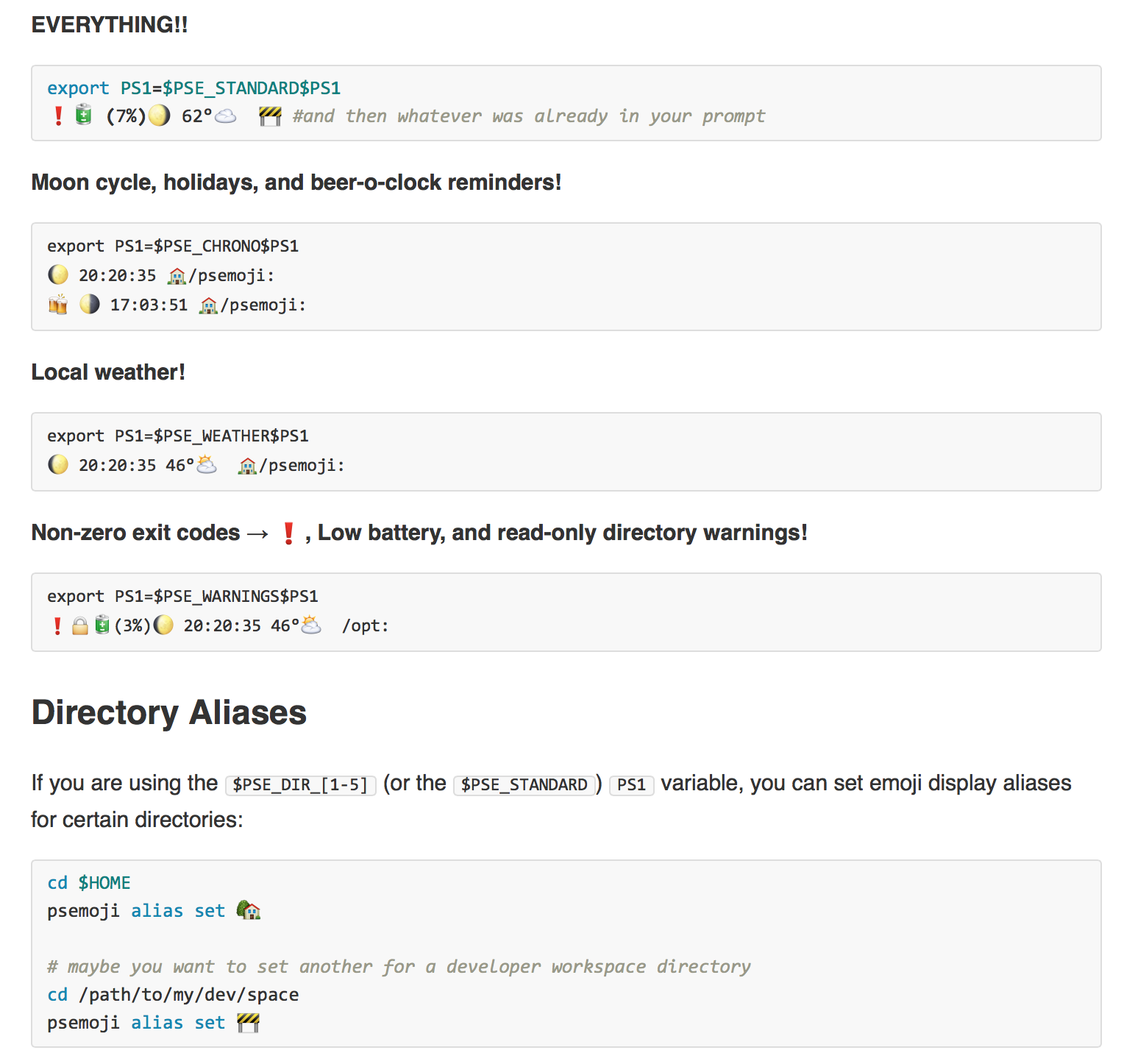
EVERYTHING!!
export PS1=$PSE_STANDARD$PS1
❗️🔋 (7%)🌖 62°☁️  🚧 #and then whatever was already in your prompt
Moon cycle, holidays, and beer-o-clock reminders!
export PS1=$PSE_CHRONO$PS1
🌔 20:20:35 🏠/psemoji:
🍻 🌗 17:03:51 🏠/psemoji:
Local weather!
export PS1=$PSE_WEATHER$PS1
🌔 20:20:35 46°⛅️  🏠/psemoji:
Non-zero exit codes → ❗️, Low battery, and read-only directory warnings!
export PS1=$PSE_WARNINGS$PS1
❗️🔒🔋(3%)🌔 20:20:35 46°⛅️  /opt:
If you are using the $PSE_DIR_[1-5] (or the $PSE_STANDARD) PS1 variable, you
can set emoji display aliases for certain directories:
cd $HOME
psemoji alias set 🏡

# maybe you want to set another for a developer workspace directory
cd /path/to/my/dev/space
psemoji alias set 🚧
Now the $PS1_DIR_[1-5] section of your prompt will display 🏡 instead of ~
and 🚧 instead of /path/to/my/dev/dir.
You can see all of the aliases you have set with psemoji alias list.
You can also remove an alias with psemoji alias unset.
And SO MUCH MORE!!! (read the source, or let yourself be suprised)
curl https://raw.githubusercontent.com/smurthas/psemoji/master/$(python -c 'import urllib; print urllib.quote_plus("👎")') | bash