This project was generated with Angular CLI version 10.0.0.
Below are the front-end technologies that used in this project.
- Angular 9 or above
- Bootstrap 4
- npm 6.9.0 or above
- Node js 10+
- Angular CLI
Dummy REST API has used for data record into table and delete records from database.
For coding, you can use Visual Studio 2017 or any other editor that supports Angular App development
System should have installed Node.js and proper NPM version (run nmp install). Also install the latest version of Angular CLI.
Then go to the downloaded source file where you should have all the files. In command prompt, navigate the directory to root workstation(...\Angular-employee-table-master) and execute nmp install (this will create node_modules folder) to install required JSON files and then run ng serve for a dev server. Navigate to http://localhost:4200/. The app will automatically reload if you have not made any changes for the source files.
By default, the Angular app runs on 4200 port but you can change default port with the following command: ng serve --port 4201
Run ng generate component component-name to generate a new component. You can also use ng generate directive|pipe|service|class|guard|interface|enum|module.
Run ng build to build the project. The build artifacts will be stored in the dist/ directory. Use the --prod flag for a production build.
Run ng test to execute the unit tests via Karma.
Run ng e2e to execute the end-to-end tests via Protractor.
To get more help on the Angular CLI use ng help or go check out the Angular CLI README.
In this app following features have implemented;
- Create an Employee
- Update an Employee
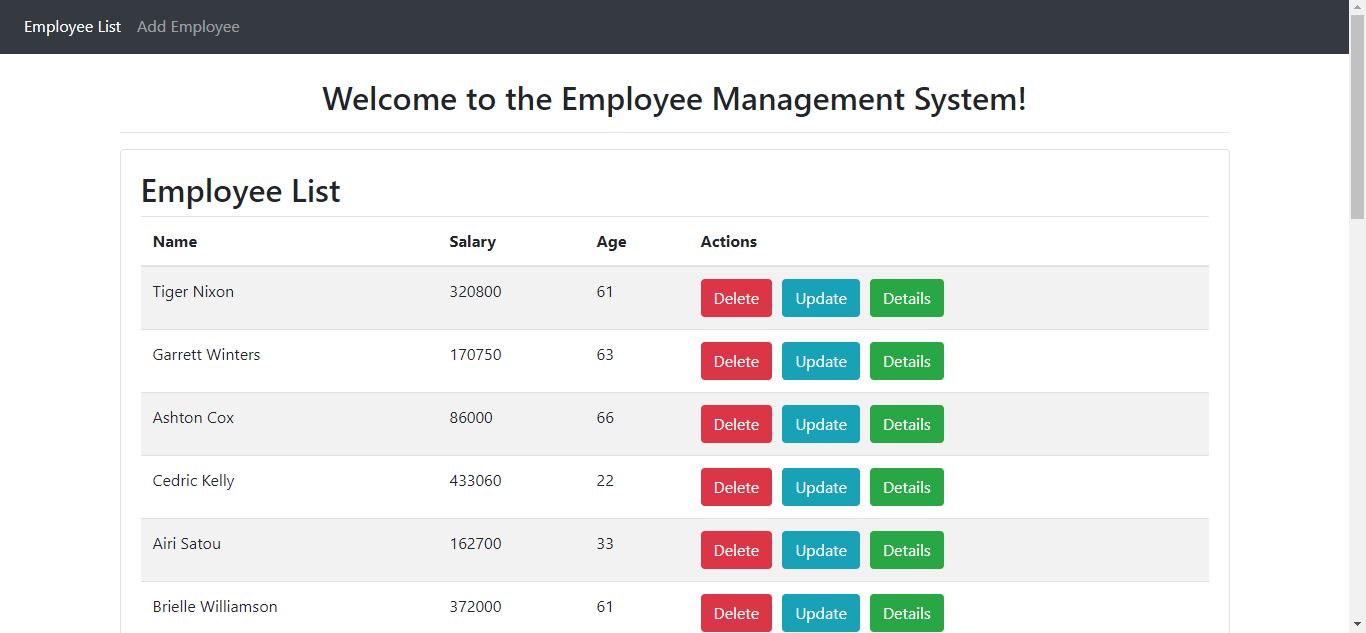
- List of Employees
- Delete Employee
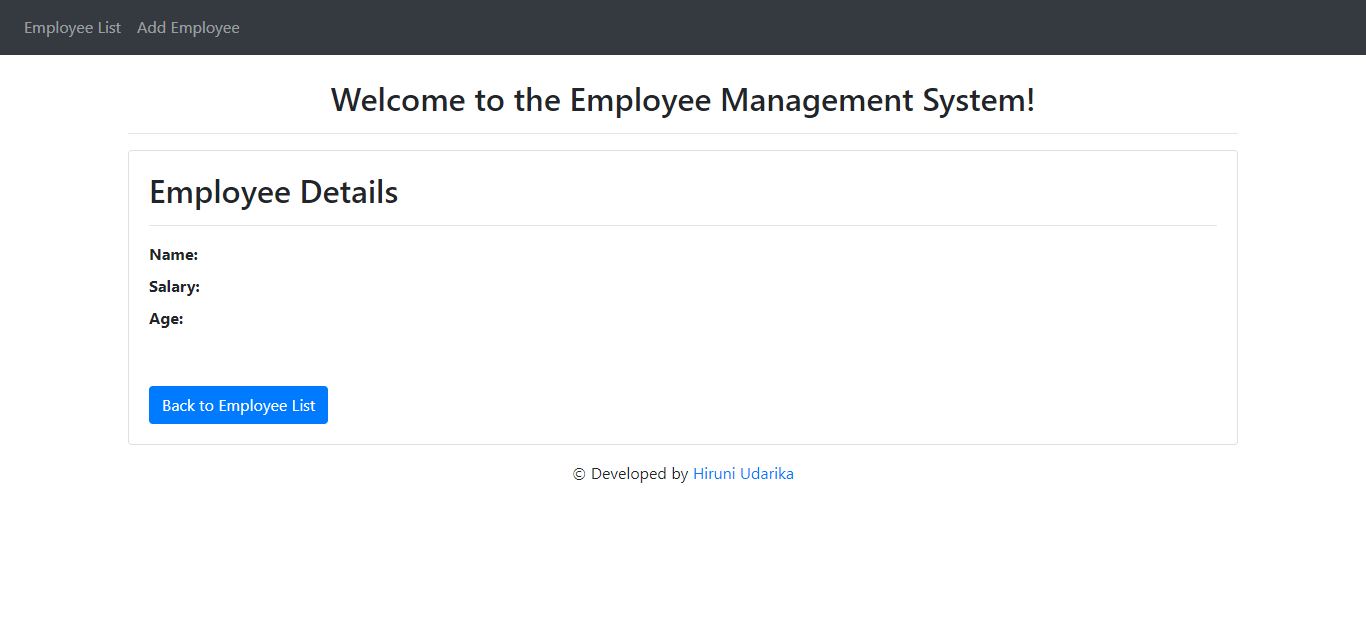
- View Employee
Used Components, Services, Modules, and Class;
Components
- create-employee
- employee-list
- employee-details
Services
- employee.service.ts - Service for Http Client methods
Modules
- FormsModule
- HttpClientModule
- AppRoutingModule
Employee Class (Typescript class)
- employee.ts: class Employee (id, firstName, lastName, emailId
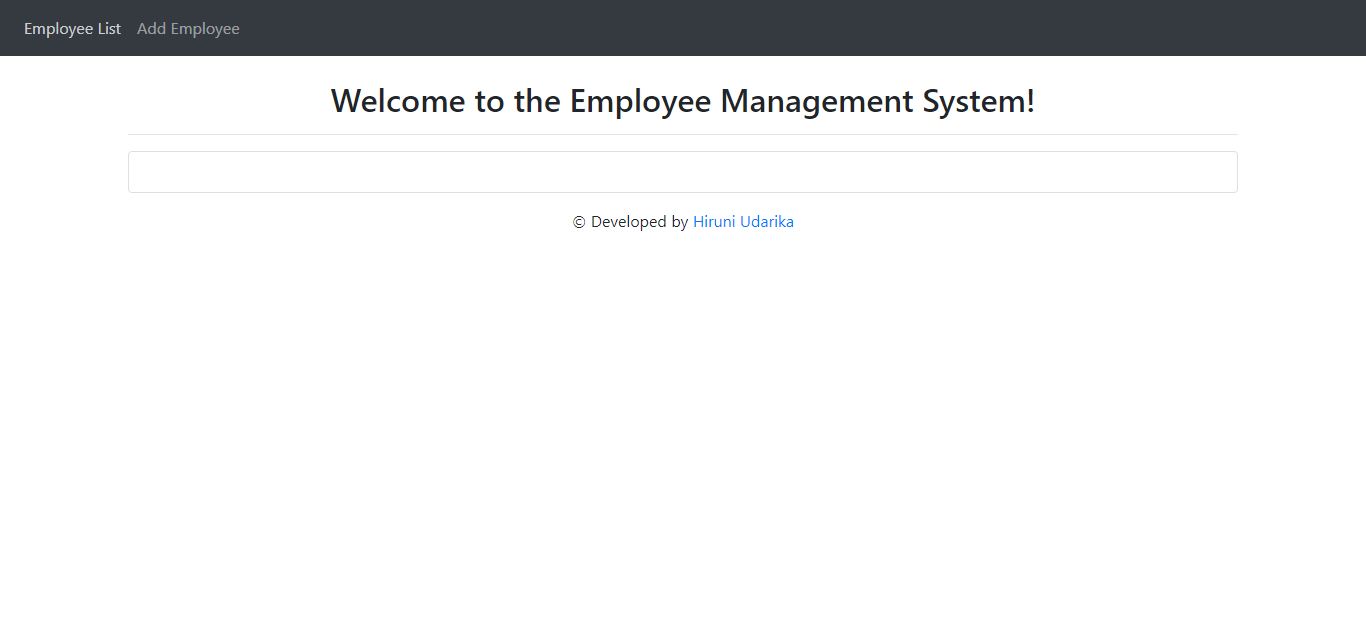
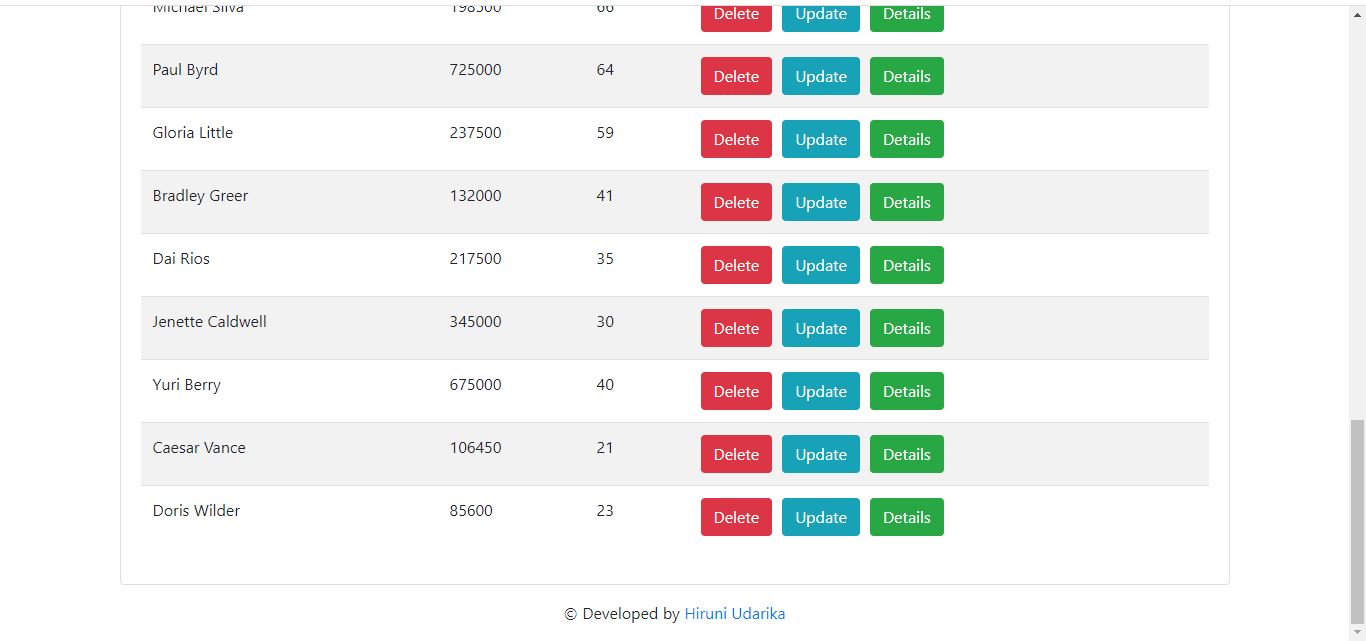
Output interfaces at http://localhost:4200/ are as follows.