
Important
The PyPI package has been renamed from tewi-transmission to tewi-torrent
to reflect multi-client support. If you have the old package installed,
please uninstall it first. Future updates will be published only in
tewi-torrent.
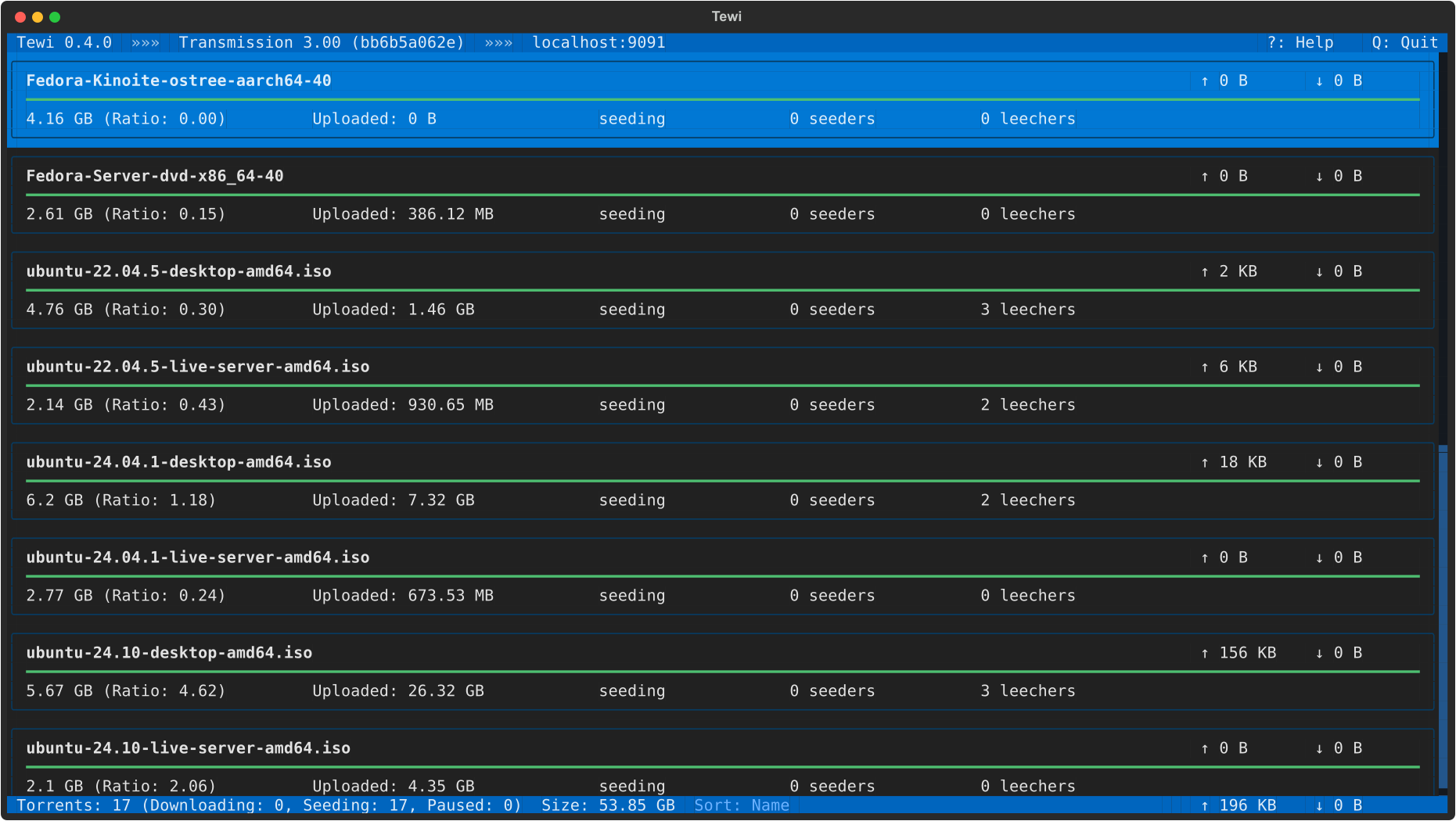
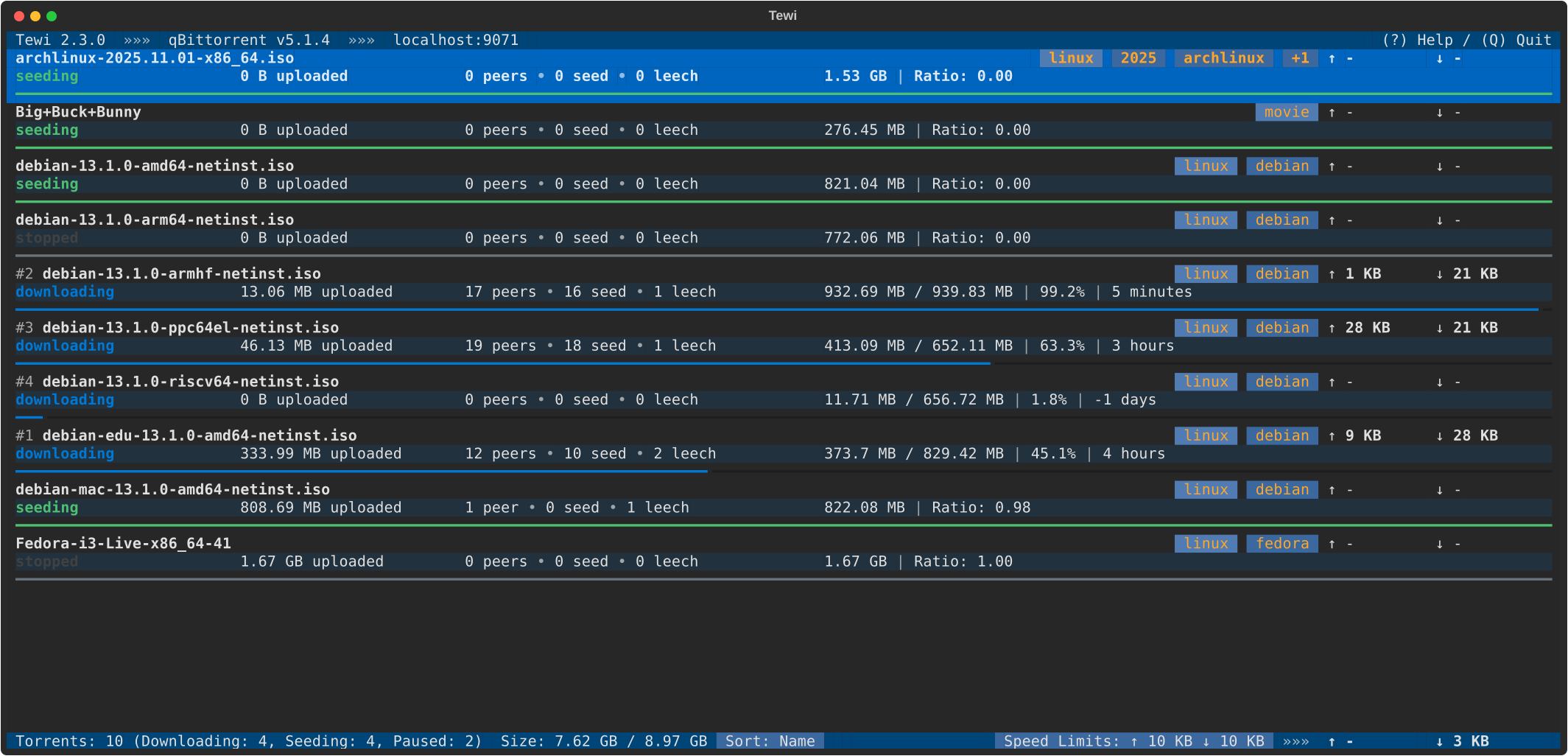
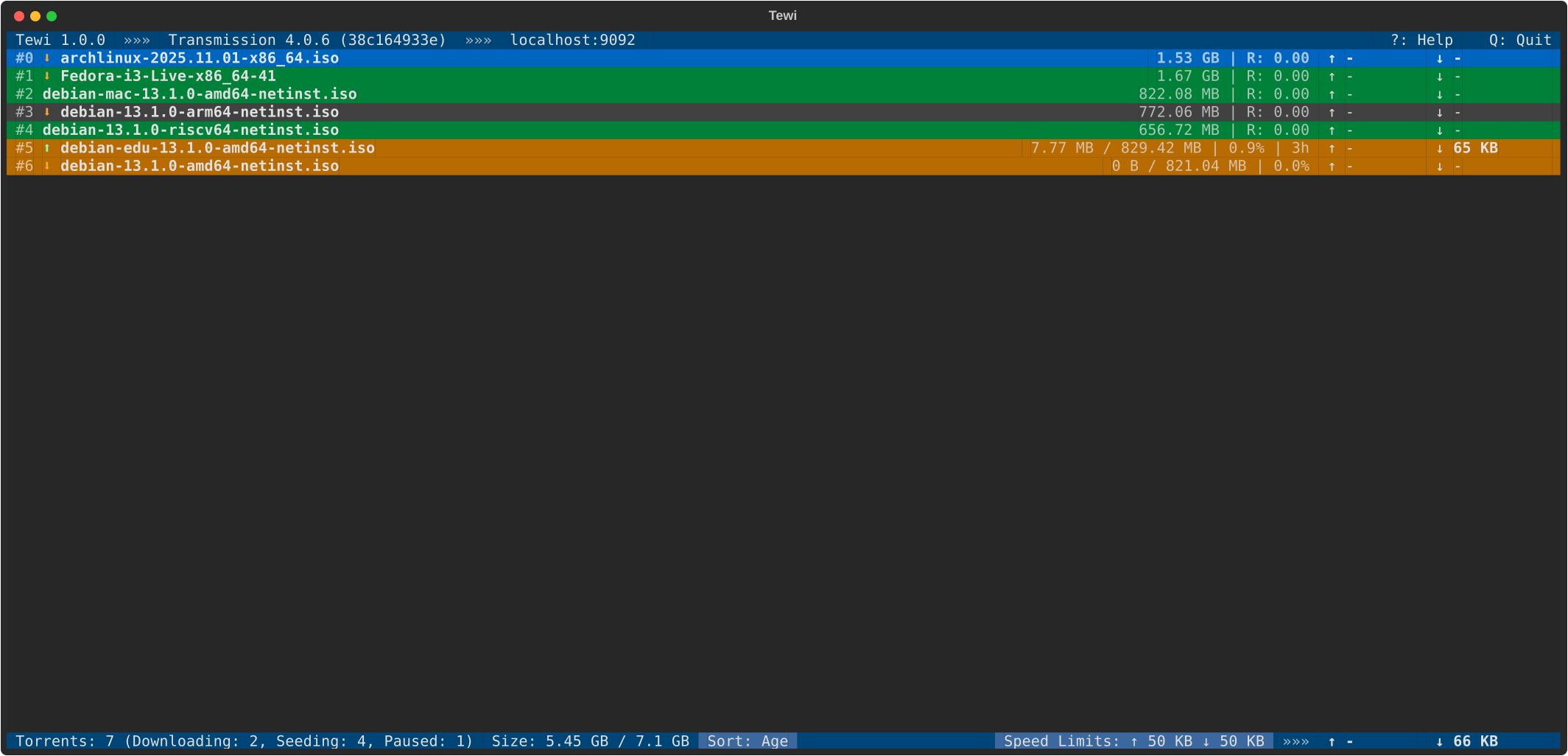
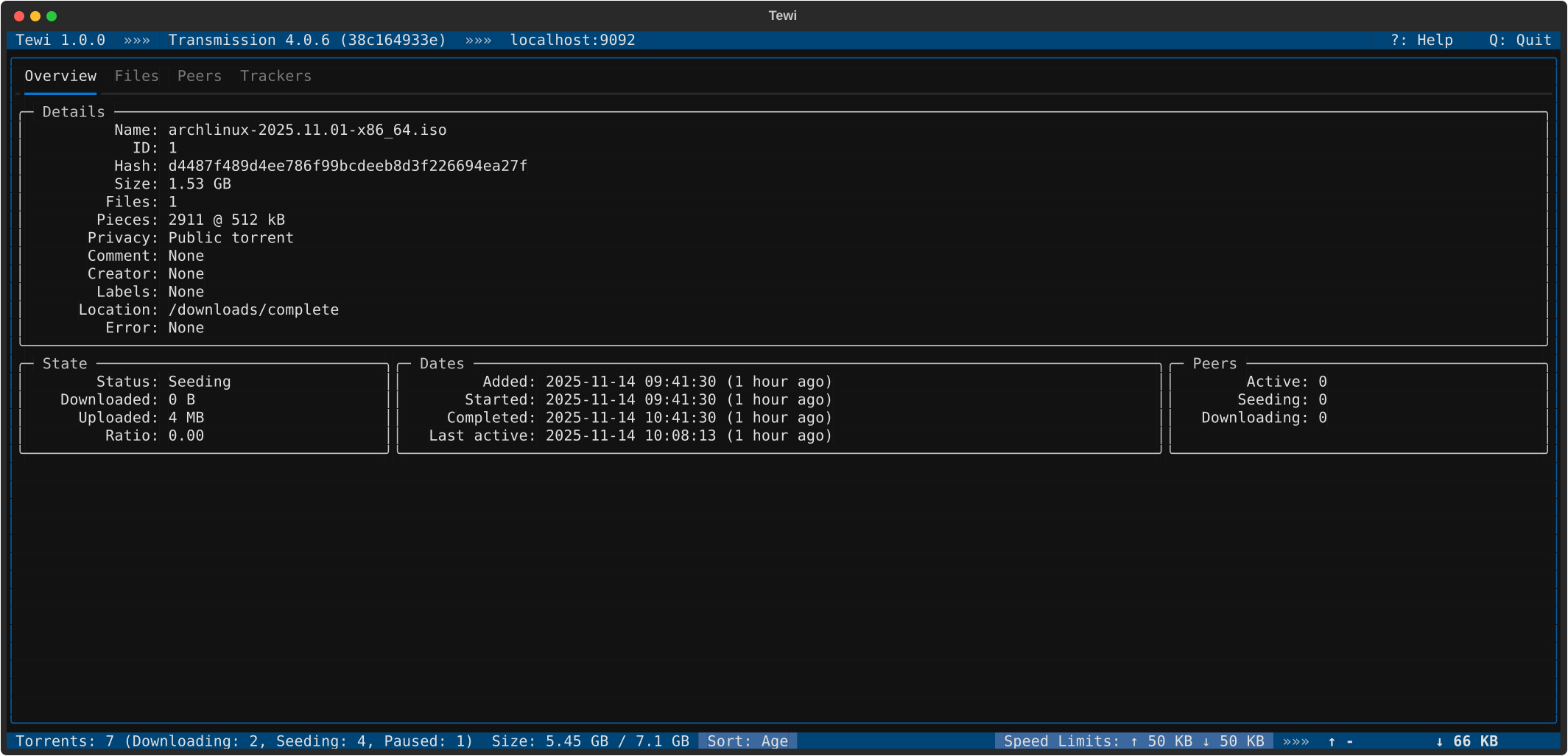

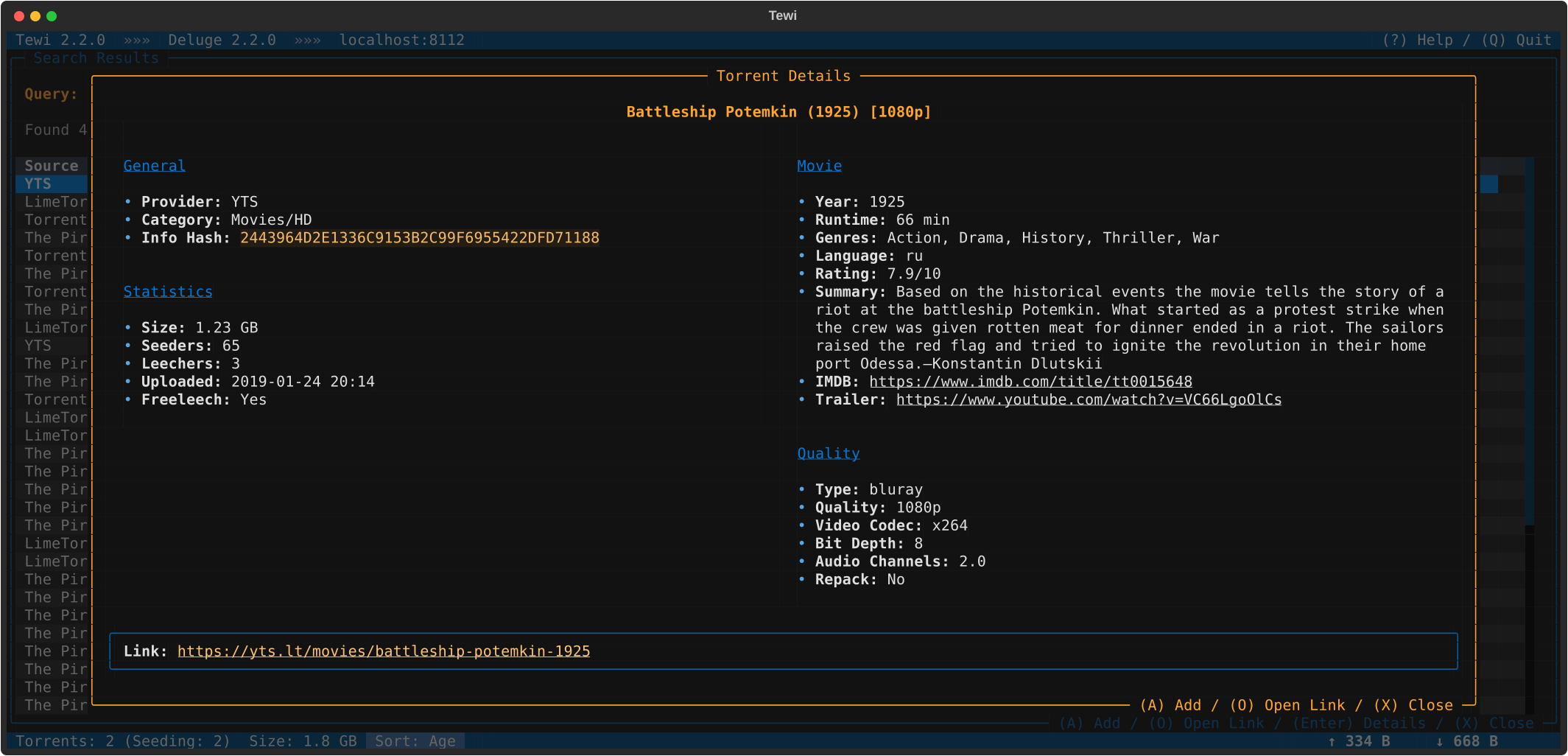
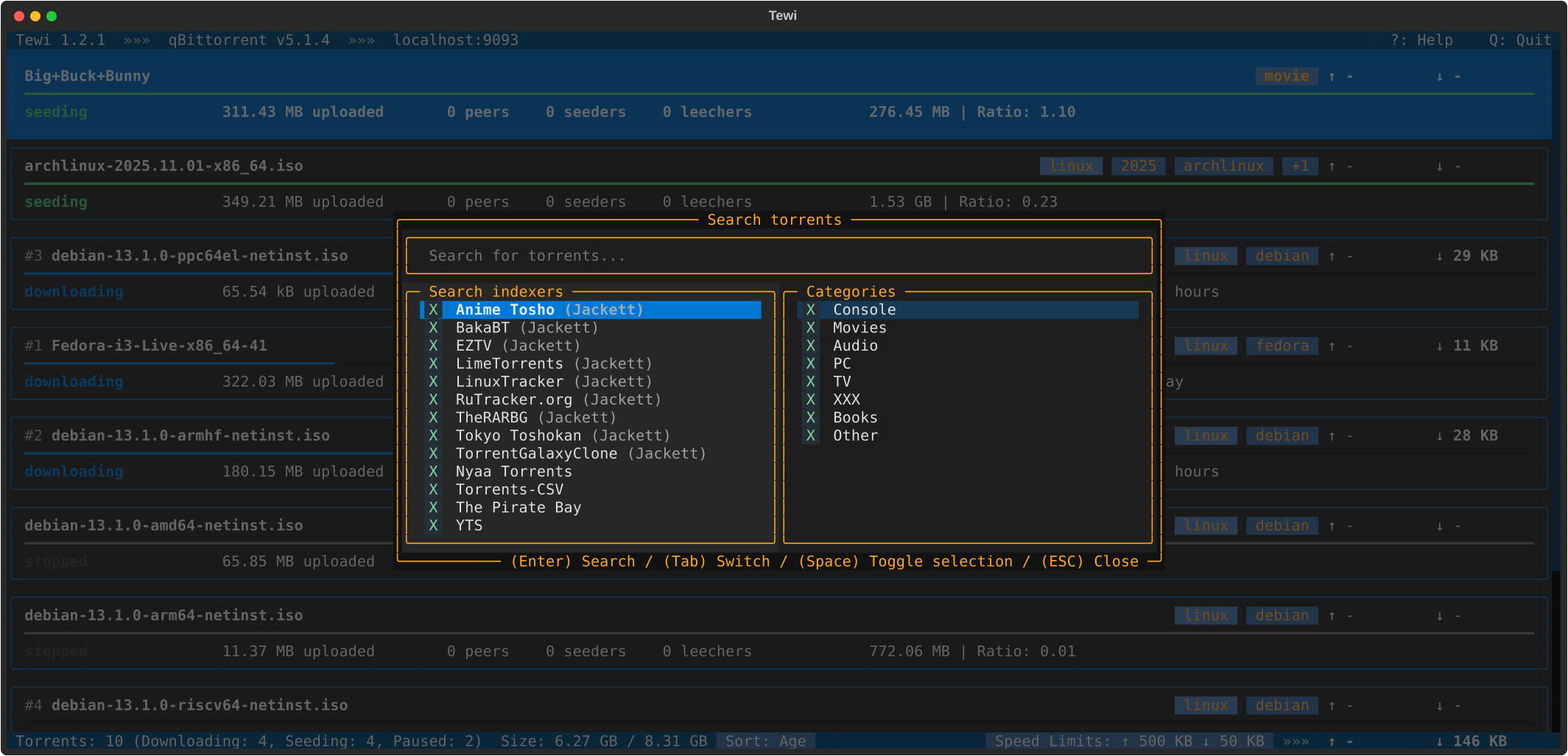
Tewi is a TUI (text user interface) for BitTorrent clients, supporting Transmission, qBittorrent and Deluge daemons.
Features:
- Connect to Transmission/qBittorrent/Deluge daemon by credentials
- Browse torrents list
- Different view modes: card, compact, oneline
- Display torrent details: overview, files, trackers, peers
- View and edit torrent categories and labels
- Add new torrents
- Torrent actions: start/pause, remove/trash, verify, reannounce, change priority
- View and toggle alternative speed limits
- View session statistics
- View torrent client preferences
- Dark and light color themes
- Search torrents on popular trackers (built-in search providers, Jackett, Prowlarr and bitmagnet integrations)
- Support for configuration files and different configuration profiles
Tewi requires Python 3.10+.
Recommended way to install is to use pipx, pip, or uv:
$ pipx install tewi-torrent
$ pip install tewi-torrent
$ uv tool install tewi-torrent
Launch Tewi from command line:
$ tewi
By default it connects to Transmission daemon on http://localhost:9091. To change these settings you could specify your connection details:
$ tewi --host XXXX --port XXXX
To connect to qBittorrent instead of Transmission:
$ tewi --client-type qbittorrent --port 8080
Check other command line options using help command:
$ tewi --help
View available hot-keys in Tewi by pressing ? key.
See the open issues for a full list of proposed features (and known issues).
Feel free to open bug reports and send pull requests.
Distributed under the GPL3+ license. See LICENSE.txt for more information.

![@dependabot[bot]](https://avatars.githubusercontent.com/in/29110?s=64&v=4)