

rundown crawls your subscribed RSS feeds every 15 minutes, detects new or updated articles, and generates AI-powered summaries. You can customize the summary language and length, and receive notifications via Discord Webhook.

- Register and manage multiple RSS feeds in one place.
- Simple UI for adding, editing, and deleting feeds.
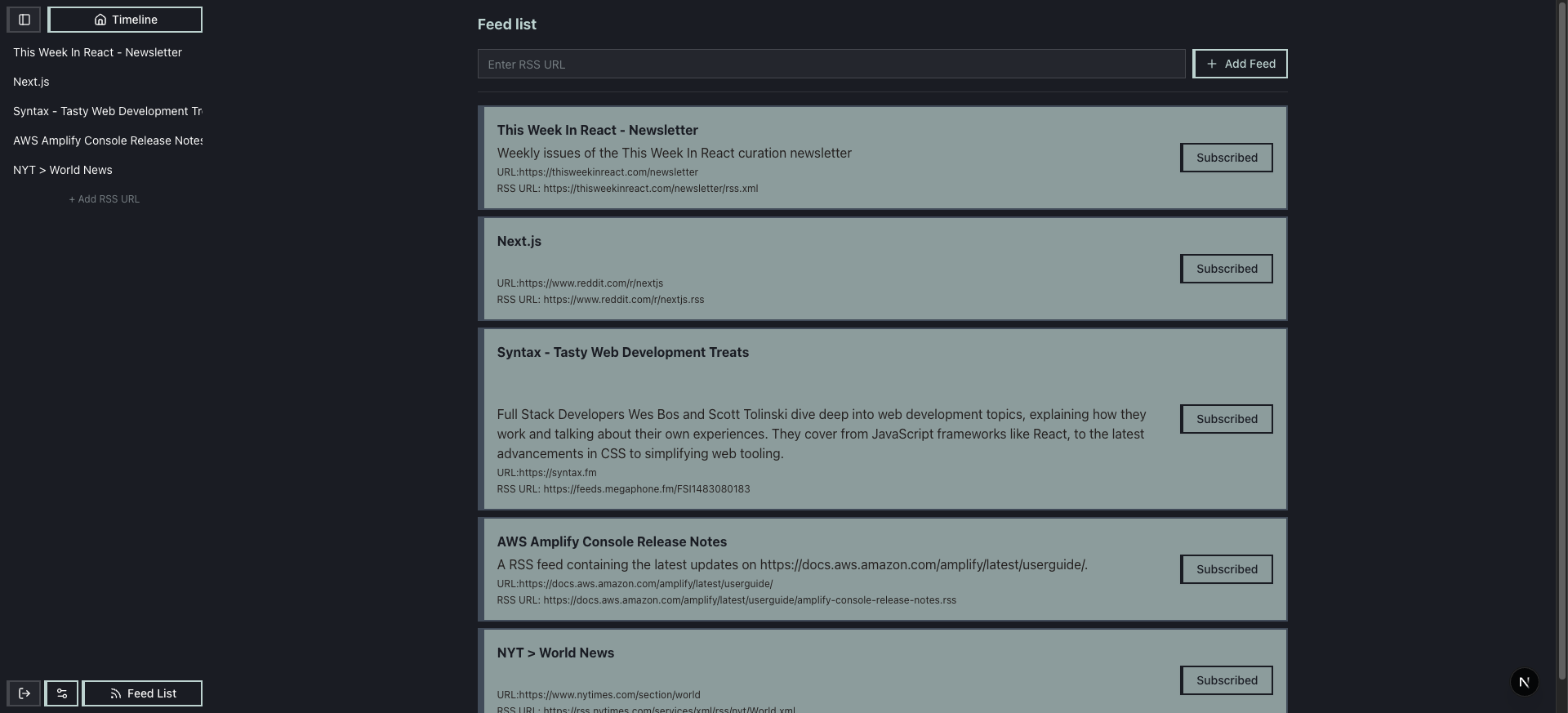
- Checks feeds every 15 minutes for new articles.
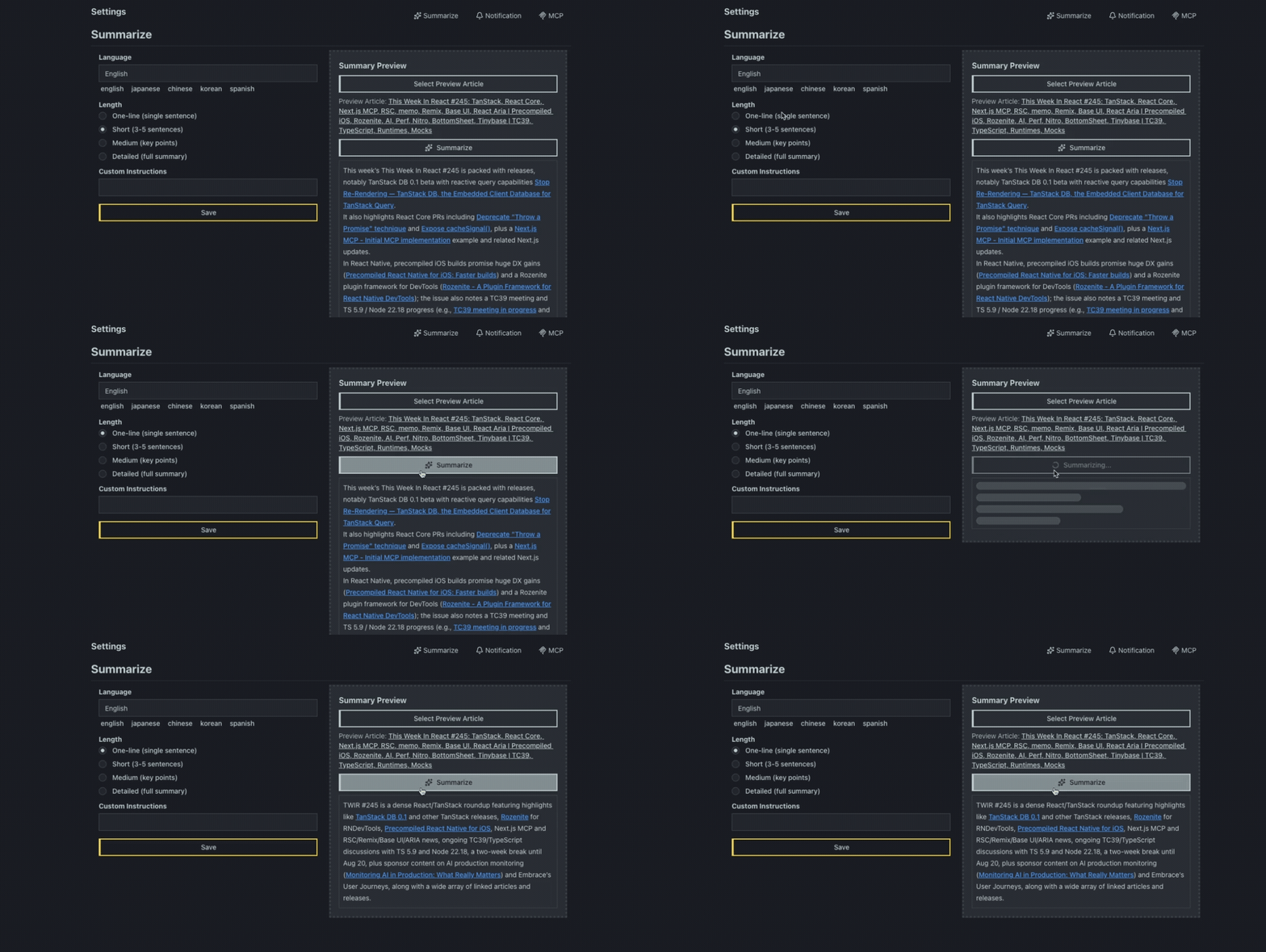
- Summarizes using gpt-5-nano with multi-language and adjustable length options.
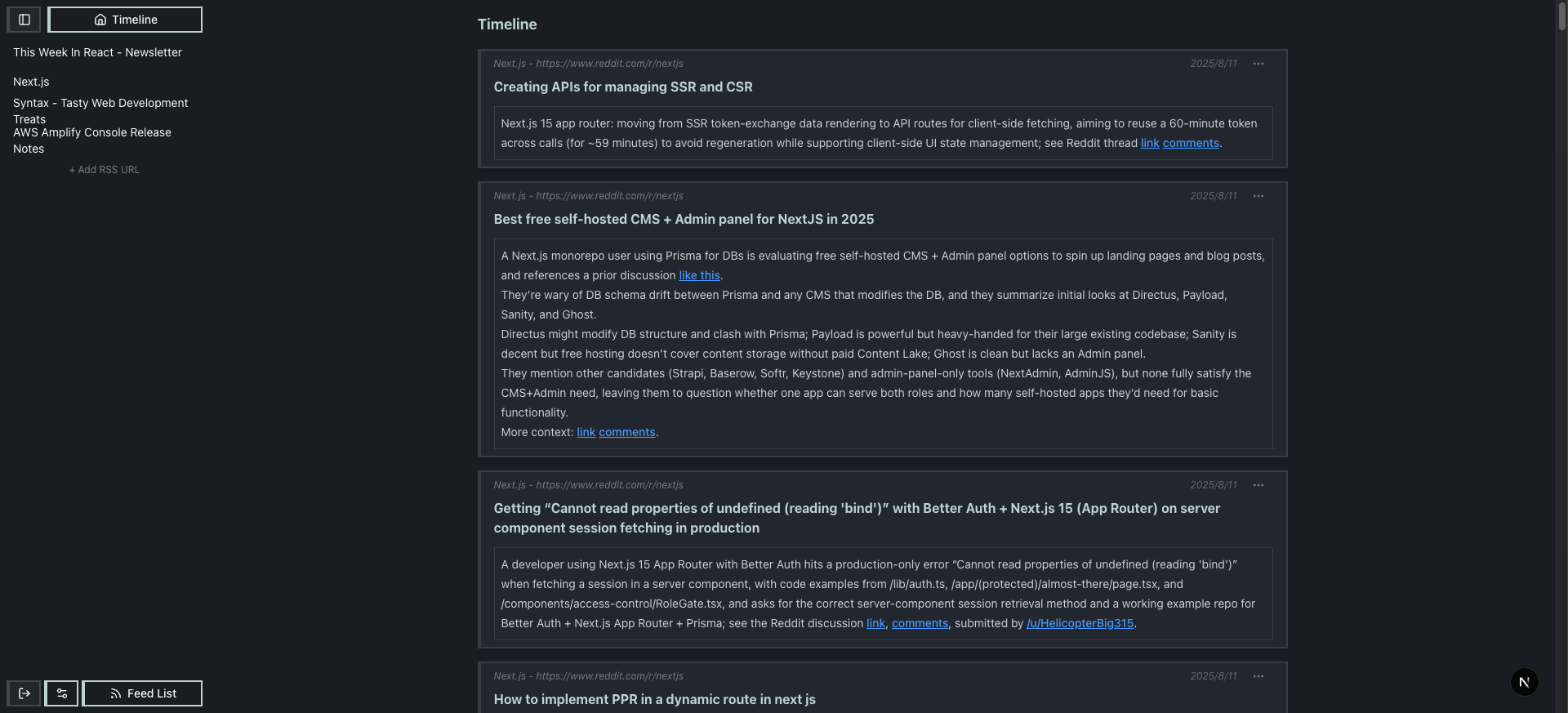
- Browse summarized articles in chronological order.
- Easily access past articles.
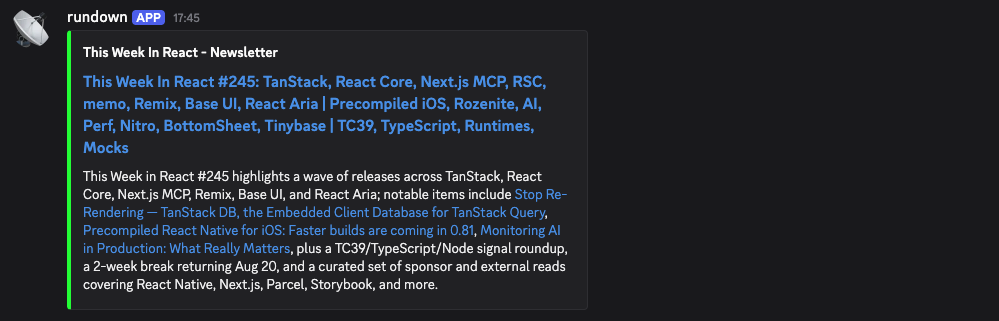
- Get instant updates in your Discord channels.
- Ideal for teams and communities.
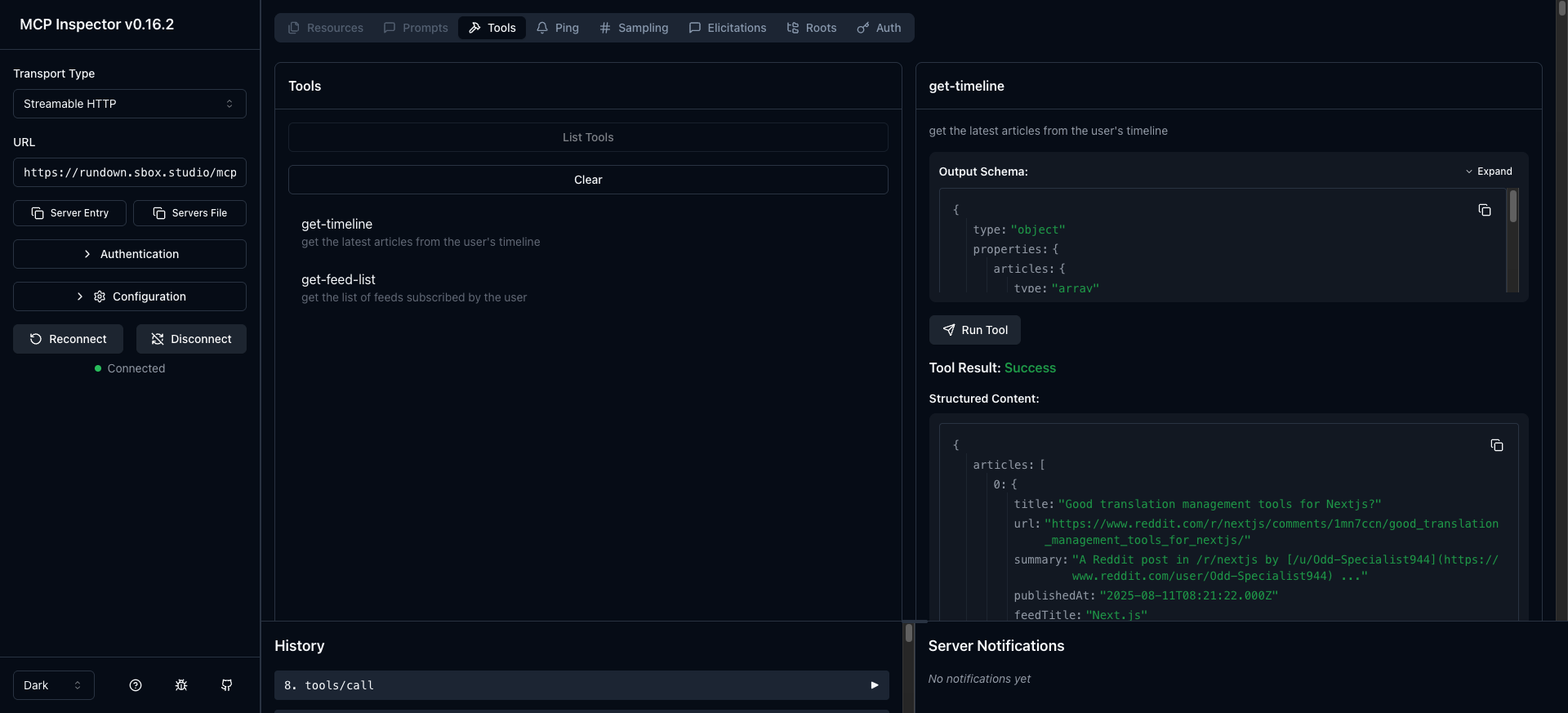
- Access feed and article data programmatically via the MCP server.
- Connect to
rundown.sbox.studio/mcpusing an API key generated from the settings page. - MCP server is built with Vercel’s mcp-handler.
Frontend & Auth
- Next.js
- better-auth (email/password authentication)
Backend Processing
- Railway Cronjob (crawl jobs)
- OpenAI gpt-5-nano (AI summarization)
Database
- PostgreSQL (feeds, articles, summaries, and user settings)
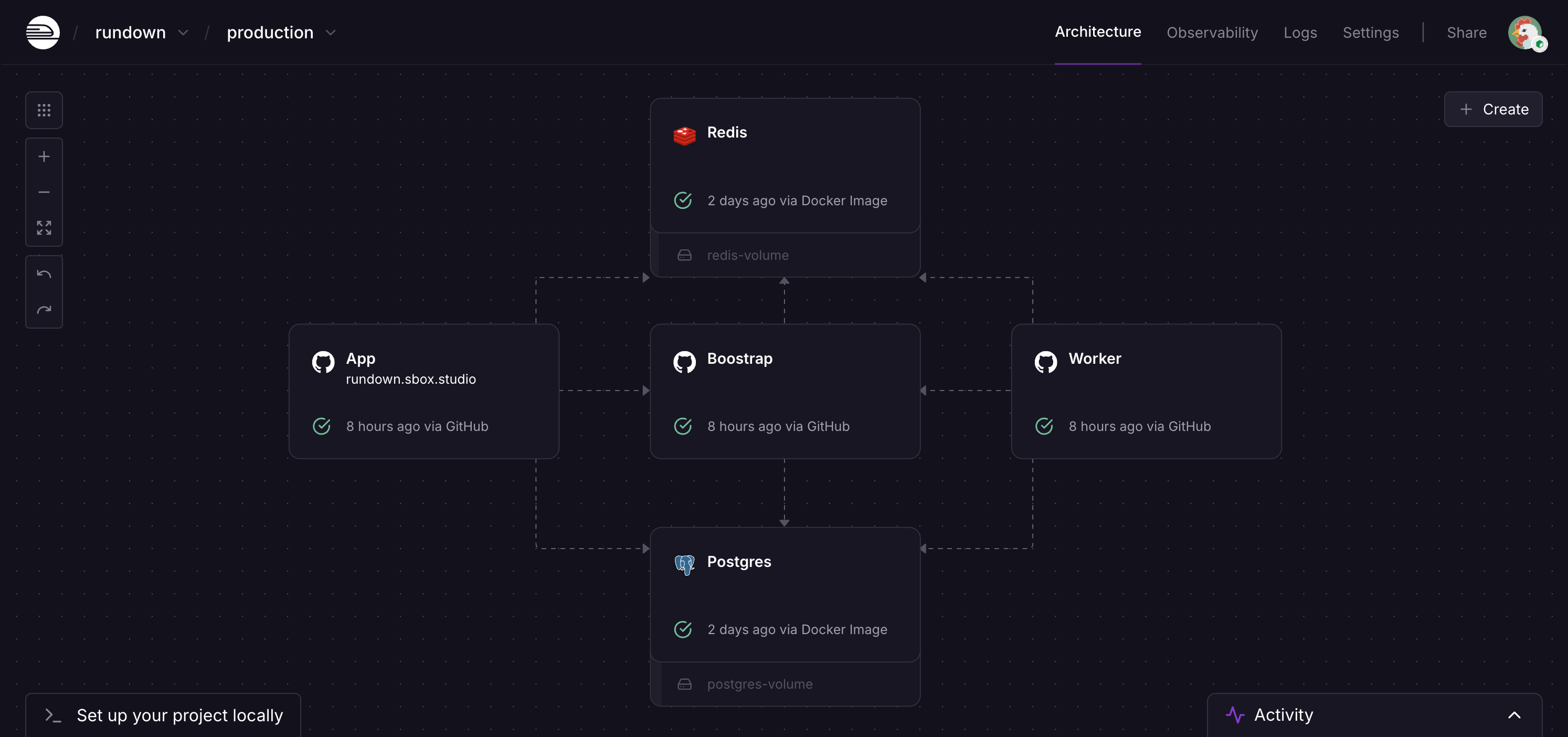
Services running on Railway:
- Next.js app
- Crawl Worker
- PostgreSQL
- Bootstrap (runs migrations and re-registers cron jobs after deploy)
This repository uses mise for tool version management and pnpm as the package manager. The database is started with Docker Compose.
- Docker and Docker Compose
- mise installed (
mise --versionto verify) - Node.js and pnpm managed by mise (
mise installaccording to.mise.toml)
-
Clone the repository
git clone https://github.com/howyi/rundown.git cd rundown -
Install tools via mise
mise install
-
Set environment variables Copy
.env.exampleto.envand fill inOPENAI_API_KEYandBETTER_AUTH_SECRET.cp .env.example .env
-
Start application and DB concurrently
pnpm dev
pnpm devstarts the DB via Docker Compose and launches the development server.
-
Initialize (migrations and job registration)
pnpm bootstrap
- Runs migrations and registers the feed crawling cron job.
Note: Do not use the default
npmcommand. Usepnpminstead.
You can deploy directly from the Railway Template by setting the required environment variables. See "Railway Setup" above for the service structure.


