


This project is a an exploratory data analysis of the lego dataset from kaggle. First, there is a PHP backend that allows the user to select various parts of the dataset. This is some learning done in web development.

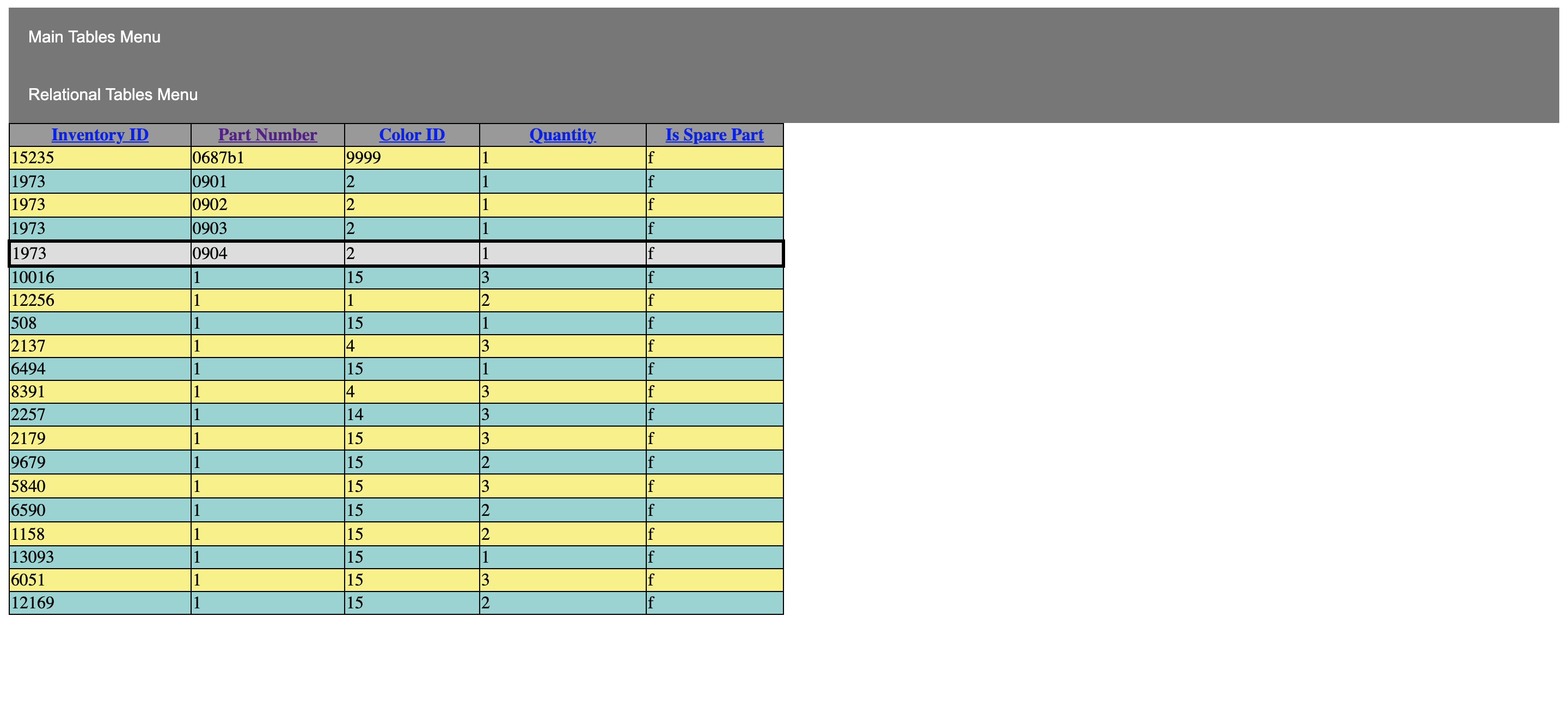
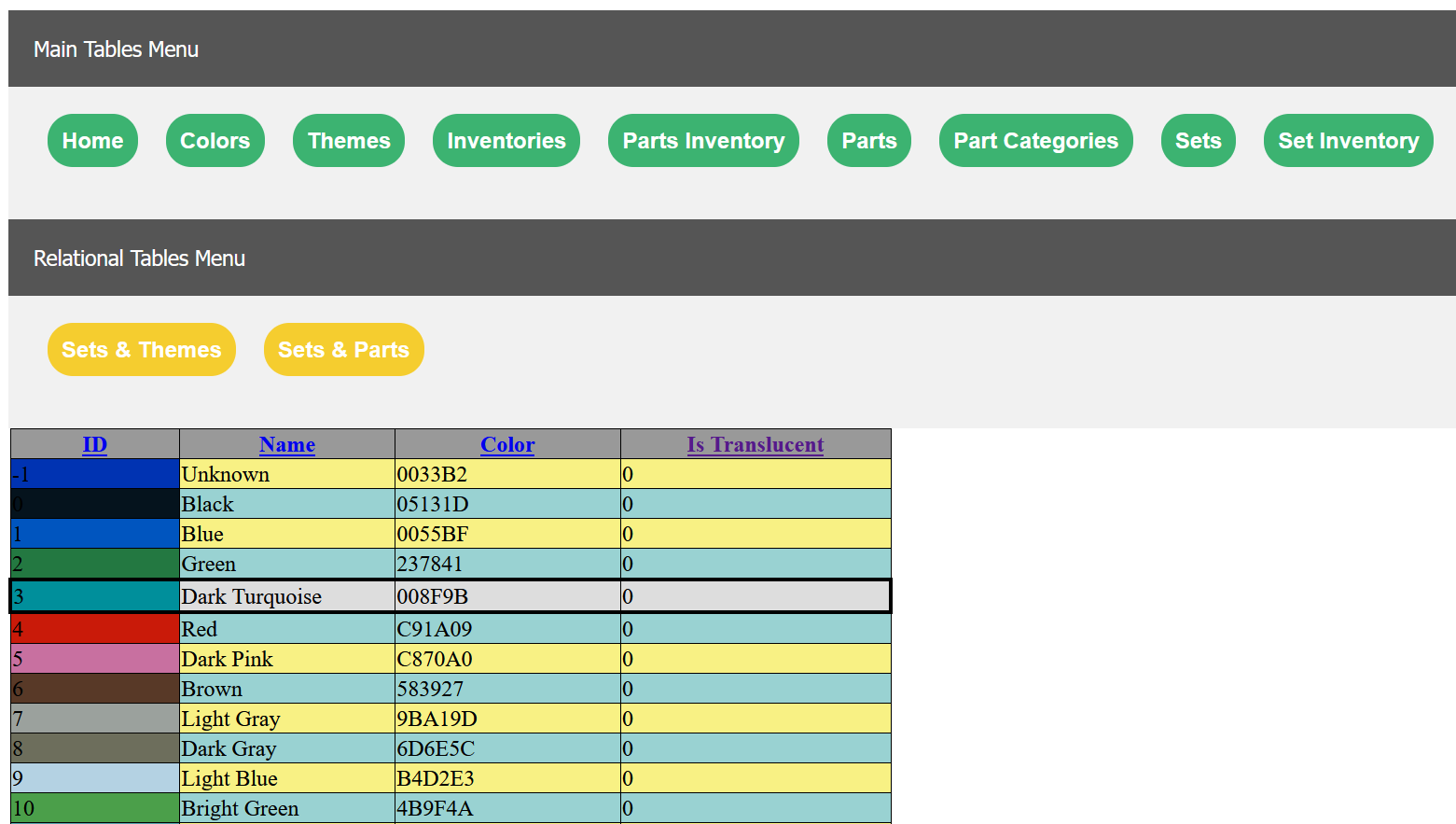

To access the file that needed to be modified, I went to the file:
~/Applications/MAMP/bin/php/php7.4.2/conf/php.ini
and I manually edited the following to:
upload_max_filesize = 64M
post_max_size = 64M
max_execution_time = 3000
memorylimit = 512M
This still had issues uploading a file that was ~10M, so I had to upload using bash.
To access the localhost associated with MAMP from the terminal, I typed: /Applications/MAMP/Library/bin/mysql --host=localhost -u root -p
Before uploading the file, I needed to contruct a table with column labels in the command line; CREATE TABLE InventoryP ( inventory_id INT, part_num VARCHAR(16), color_id INT, quantity INT, is_spare VARCHAR(1));
Once switching to my intended database, I used the command: LOAD DATA INFILE '…path to file…/inventory_parts.csv' INTO TABLE tablename FIELDS TERMINATED BY ',' ENCLOSED BY '"' LINES TERMINATED BY '\n' IGNORE 1 ROWS;
But, I received the following access error response presumably from MAMP:
ERROR 1290 (HY000): The MySQL server is running with the --secure-file-priv option so it cannot execute this statement
to check the access, type:
SELECT @@GLOBAL.secure_file_priv;
In my case, at this point the response was:
+---------------------------+
| @@GLOBAL.secure_file_priv |
+---------------------------+
| NULL |
+---------------------------+
1 row in set (0.00 sec)
So I exited, stopped the server services and needed to add a file to ~ using the command:
nano ~/.my.cnf
And added the lines:
[mysqld_safe] [mysqld] secure_file_priv="/Users/me/"
Checking my access:
mysql> SELECT @@GLOBAL.secure_file_priv;
+---------------------------+
| @@GLOBAL.secure_file_priv |
+---------------------------+
| /Users/me/ |
+---------------------------+
1 row in set (0.00 sec)
Now, I was able to upload my file successfully.
The other issue I encountered was that myphpadmin was not ignoring the first line in the csv files and was including the header as a row. I manually edited the columns to the corresponding names using myphpadmin. Then in the terminal, I deleted the rows with
DELETE FROM Inventories where COLUMN_NAME='COLUMN_NAME';
Or whatever the appropriate column name was.