
An ncurses explorer and client for MySQL databases written in C
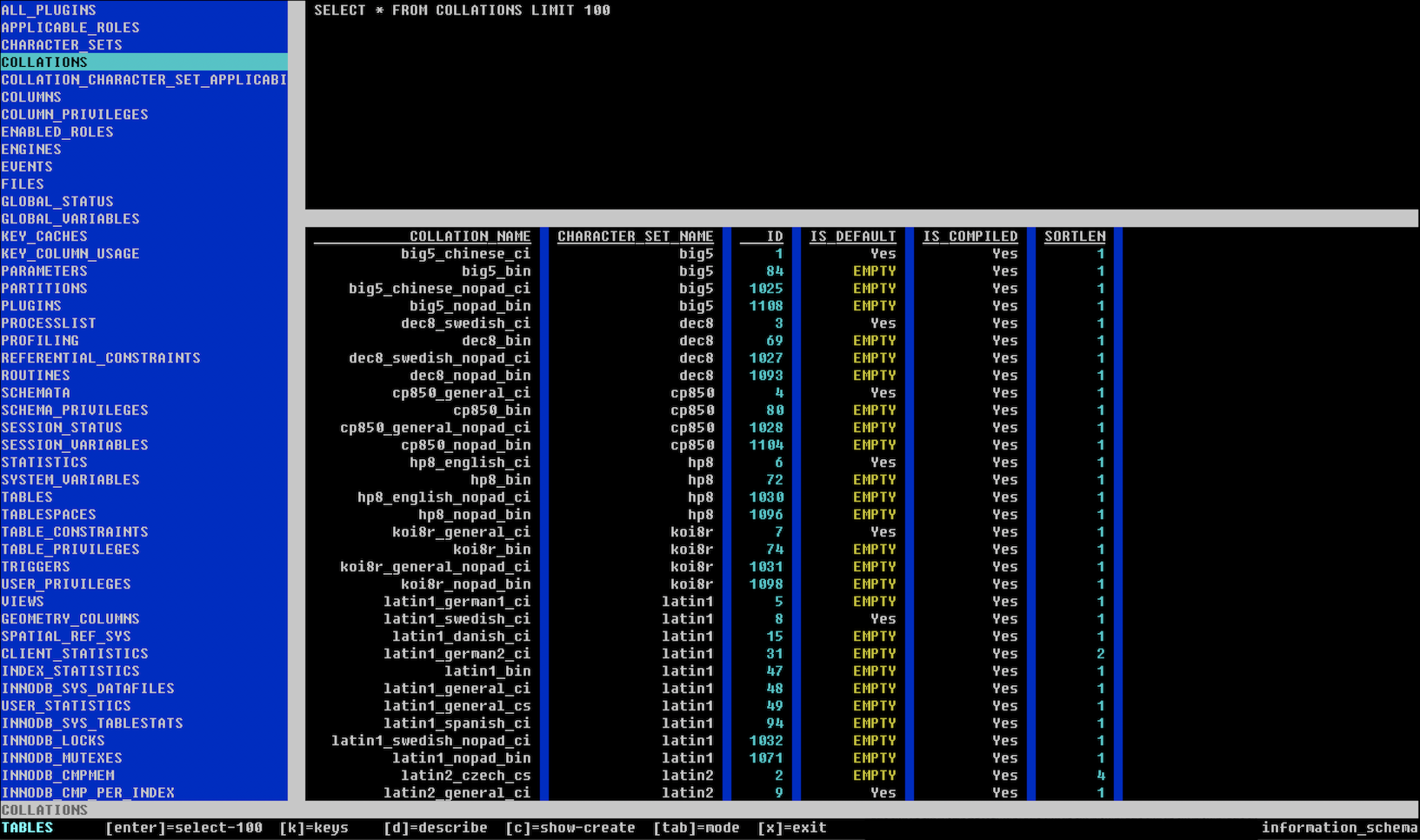
Usage:
  ./bin/main.out -i help
  ./bin/main.out -h mysql-host [-l port=3306] -u mysql-user [-p mysql-pass] [-s ssh-tunnel-host] [-g log-file] [-b dump-dir]
  ./bin/main.out -f connection-file=connections.csv [-d delimeter=,] [-g log-file] [-b dump-dir]
The binary runs in two modes: one to directly connect to a host similar to the mysql cli client, and the second reads from a connections csv file.
Running with the -i flag will print the usage.
Running with the host flags -hlups requires host and user minimally. If a password is not supplied a prompt will accept a password.
Optionally an SSH host can be provided such as user@host and the program will fork a system call to establish the SSH tunnel in port ranges of 2200-2216 and use this tunnel to establish the MySQL connection.
Running with file flags -fd will read a CSV file of connections in the format: name,host,port,user,pass,tunnel. The -d option allows you to define the csv delimeter instead of a default comma ,.
If no options are presented it will look within the current working directory for a connections.csv file.
If option -g provides a writable file, it will be used as a debug log which you can view for run time information.
If option -b provides a directory it will be used for the mysql dump locations, otherwise it will use the current working directory.
I have built this on Ubuntu and macOS Catalina using Homebrew.
Dependencies:
Building on Linux (Ubuntu):
apt-get install libncurses5-dev libmysqlclient-dev- compile only:
makewill place executable asbin/main.out - compile and run:
make runor with args asmake ARGS="[args here]" run
Building on Homebrew (macOS Catalina):
brew install ncurses mysql- compile only:
make macoswill place executable asbin/main.out - compile and run:
make macos-runor with args asmake ARGS="[args here]" macos-run