Import UDIM displacement(sculpt using maps in Mudbox), color, and mask textures.
NOTE: Windows only
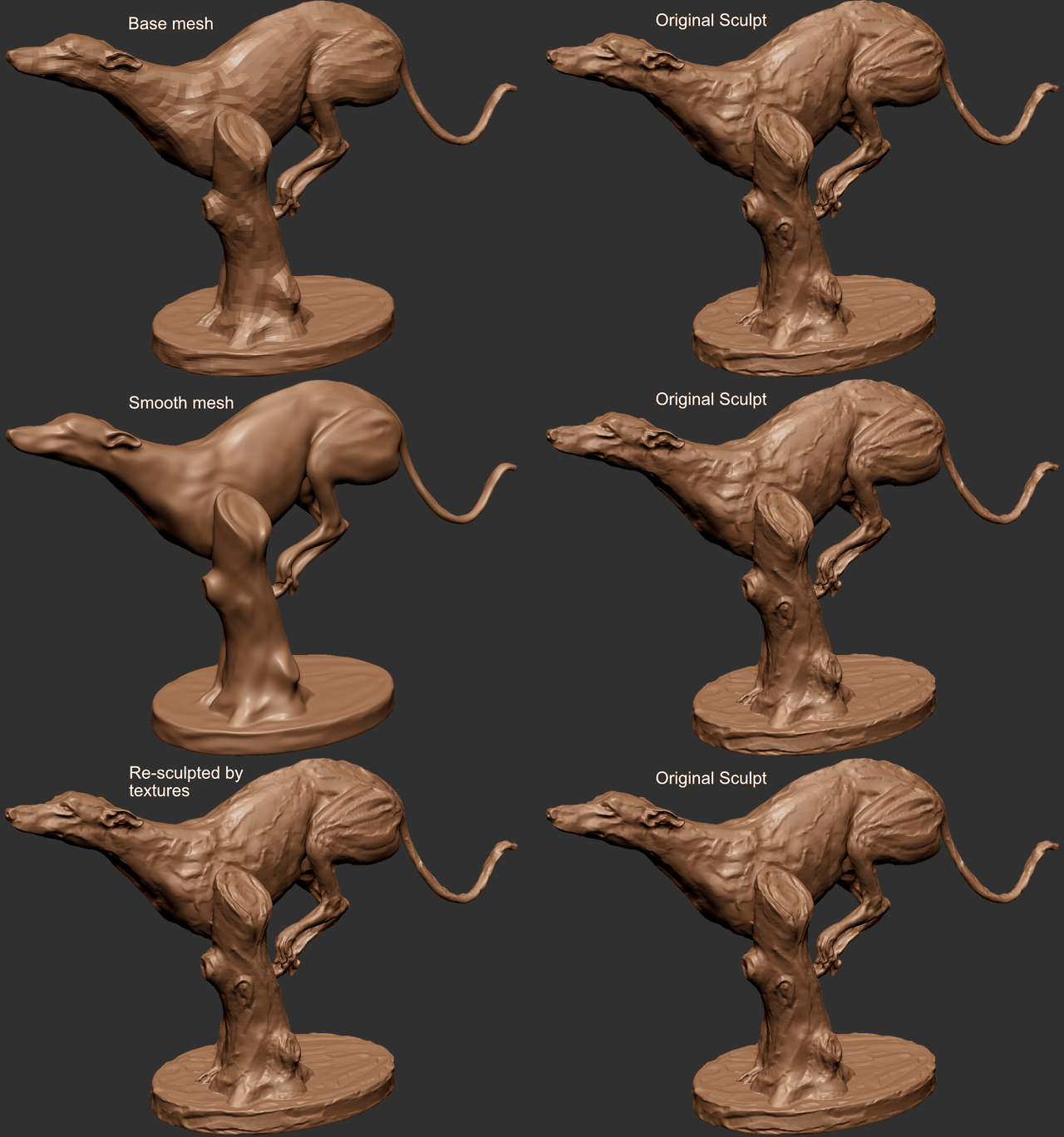
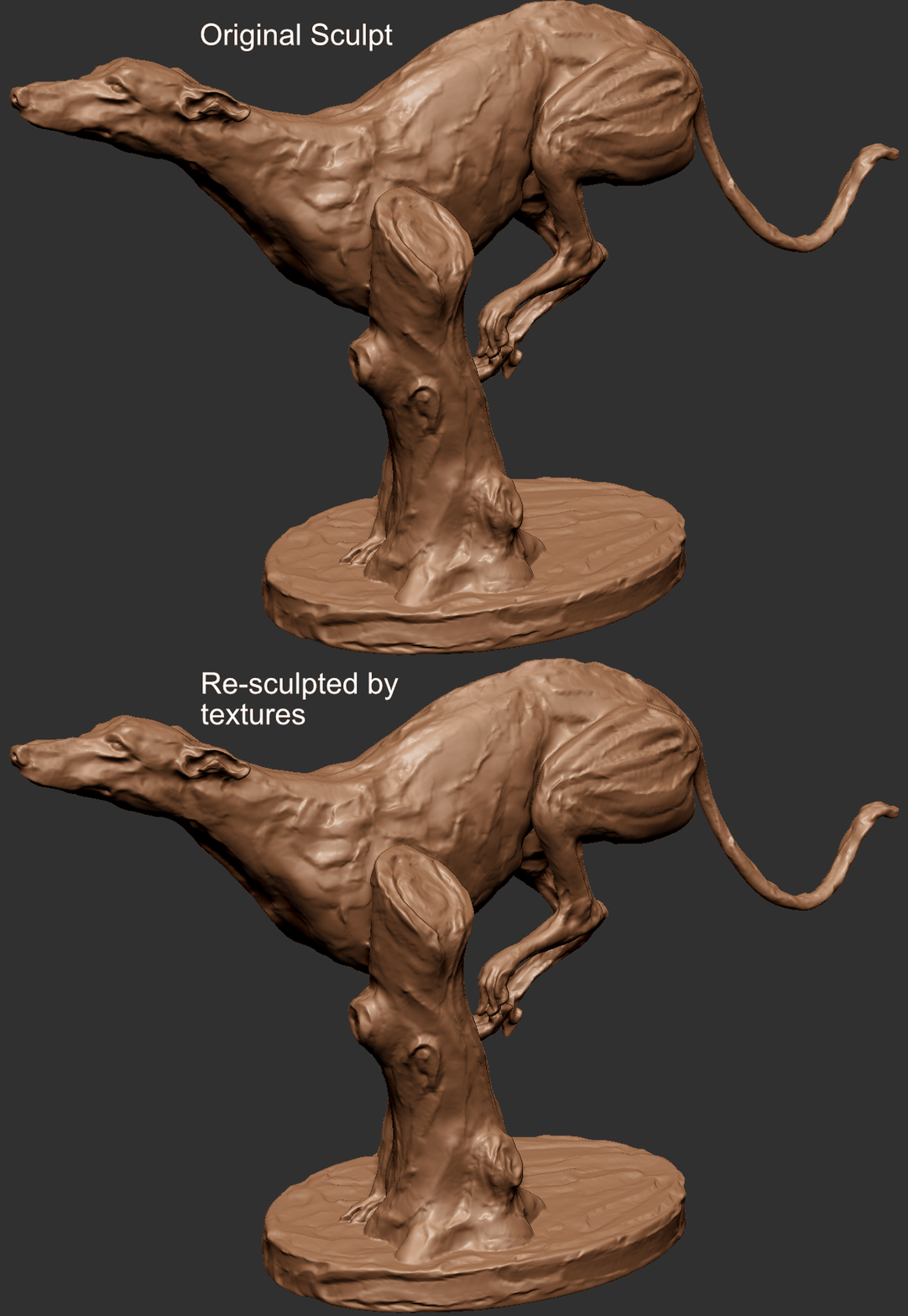
Resculpted mesh vs the orignal:
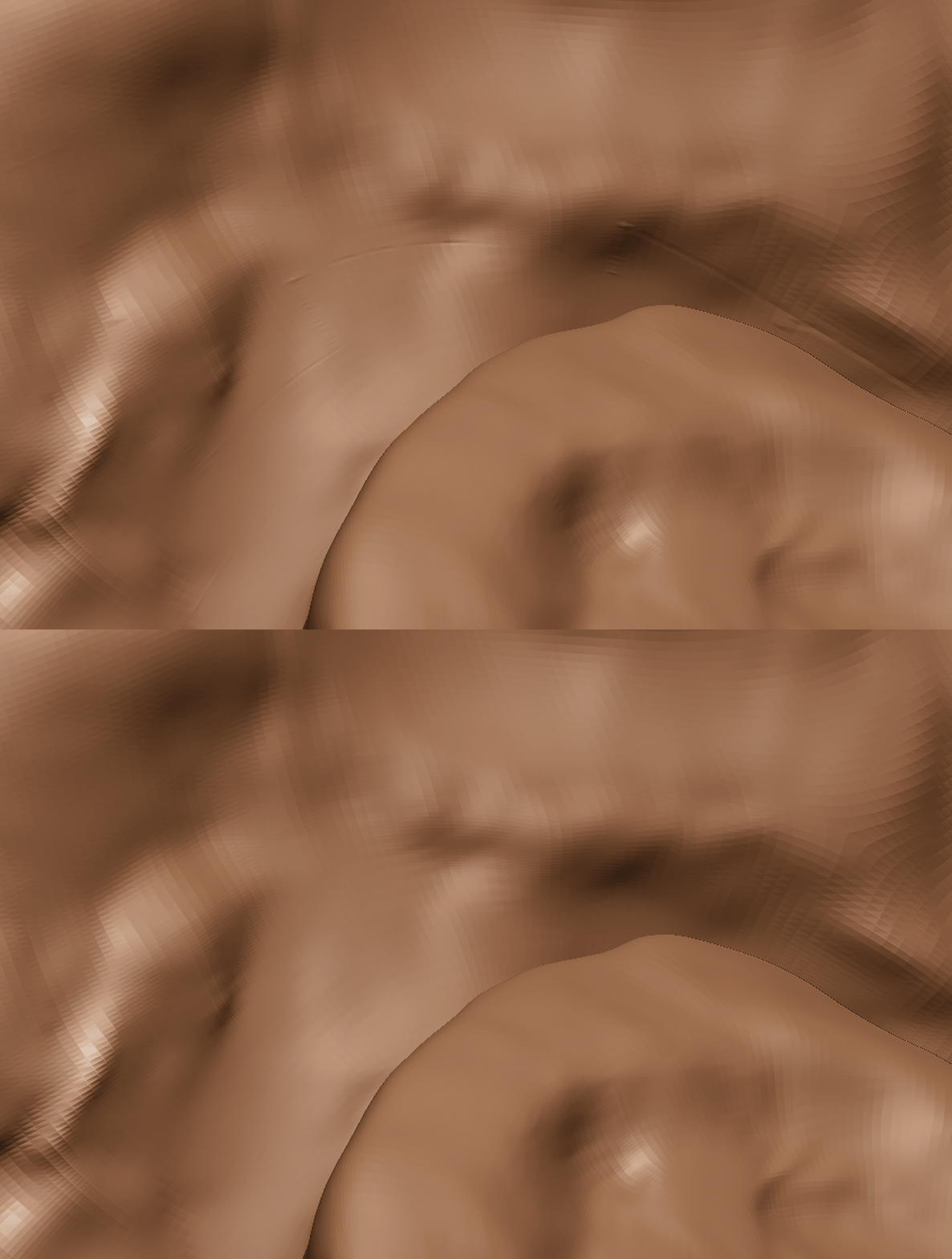
If everything(mesh, UVs, Smooth options, map settings, etc) are all correct and consistent, then the result should be pretty close to the original, still you may have some lines around the UV borders.
- Go to release page, download the latest and extract it.
- Move tiff.dll, zlib.dll, and deflate.dll to the same directory as ZBrush.exe. (For example.
C:\Program Files\Pixologic\ZBrush 2022\tiff.dll) - Move
UDIMTextureImporter3_2022.zsctoZPlugs64folder. - Move
UDIMTextureImporter3Datafolder toZPlugs64folder.
So they should be placed like this
└── ZBrush 2022/
    ├── ZBrush.exe
    ├── tiff.dll
    ├── zlib.dll
    ├── deflate.dll
    └── ZStartup/
        └── ZPlugs64/
            ├── UDIMTextureImporter3_2022.zsc
            └── UDIMTextureImporter3Data/
                ├── UDIMTextureImporter3.dll
                └── ZFileUtils/
                    └── ZFileUtils64.dll
Go to ZPlugin -> UDIMTextureImporter3.
Make sure textures are in UDIM naming convention (eg. filename.1001.tif, filename.1002.exr, etc),
Images need to be exported from ZBrush/Mudbox.
- 32 bit tif/tiff (compression: None, and Deflate, LZW with zlib and deflate lib)
- 16 bit FP exr
- For tangent space vector displacement, textures need to be exported in the following settings.
- Mid value 0.0
- ZBrush: FlipAndSwitch and TangentFlipAndSwitch: 25
- Mudbox: Absolute tangent
Color import doesn't work if layer recording is turned on. Make sure it's turned off.
- 8/16 bit tiff/exr
- 8/16 bit tiff/exr
- VS 2015 or higher
- C++20
- Eigen
- libtiff
- zlib required for libtiff
- deflate required for libtiff
- tinyexr
- miniz required for tinyexr
- GoZ_SDK
- ZFileUtils
-
Build zlib and deflate, then build libtiff with the first two libraries.
-
Download third party libraries.
- Download
miniz.candminiz.hand move to src directory. - Download tinyexr.h and move to src directory.
- Download GoZ_SDK, and move all files to sdk directory.
- Download Eigen and move to the src directory.
- Download
-
So the project directory should be like this.
└── UDIMTextureImporter3/ ├── CMakeLists.txt ├── build/ └── src/ ├── main.cpp ├── main.hpp ├── texture.cpp ├── texture.hpp ├── miniz.c ├── miniz.h ├── tinyexr.h ├── sdk/ │ ├── GoZ_Mesh.cpp │ ├── GoZ_*** │ └── ... └── Eigen/ ├── Core ├── Dense └── ... -
build
mkdir build
cd build
cmake ../
cmake --build . --config Release --target install
UDIMTextureImporter3.dll file should be generated under the project root.