Slack Theme for Visual Studio Code


Color scheme inspired by the Slack default themes.
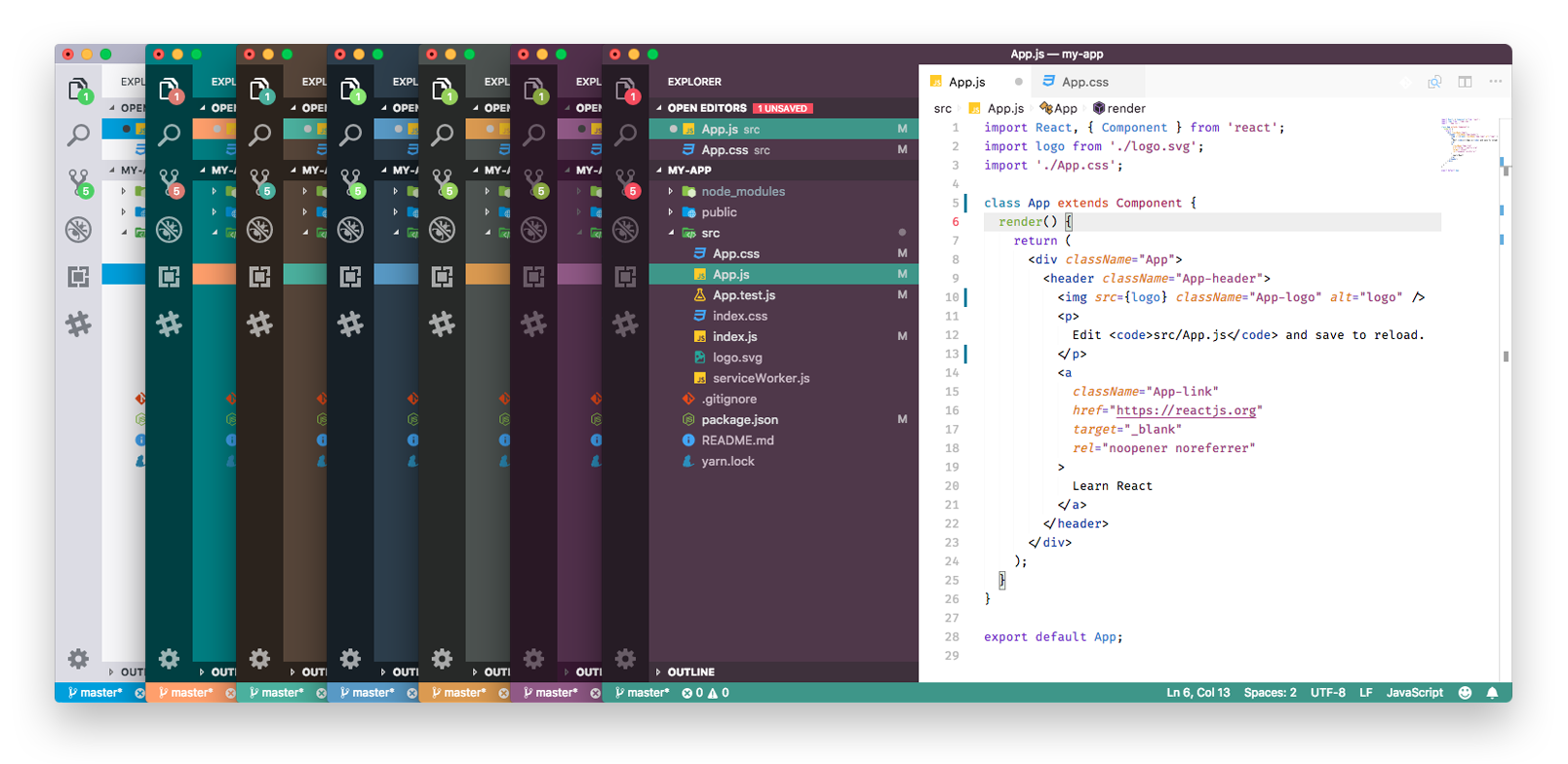
And also a imagined dark version of Aubergine.
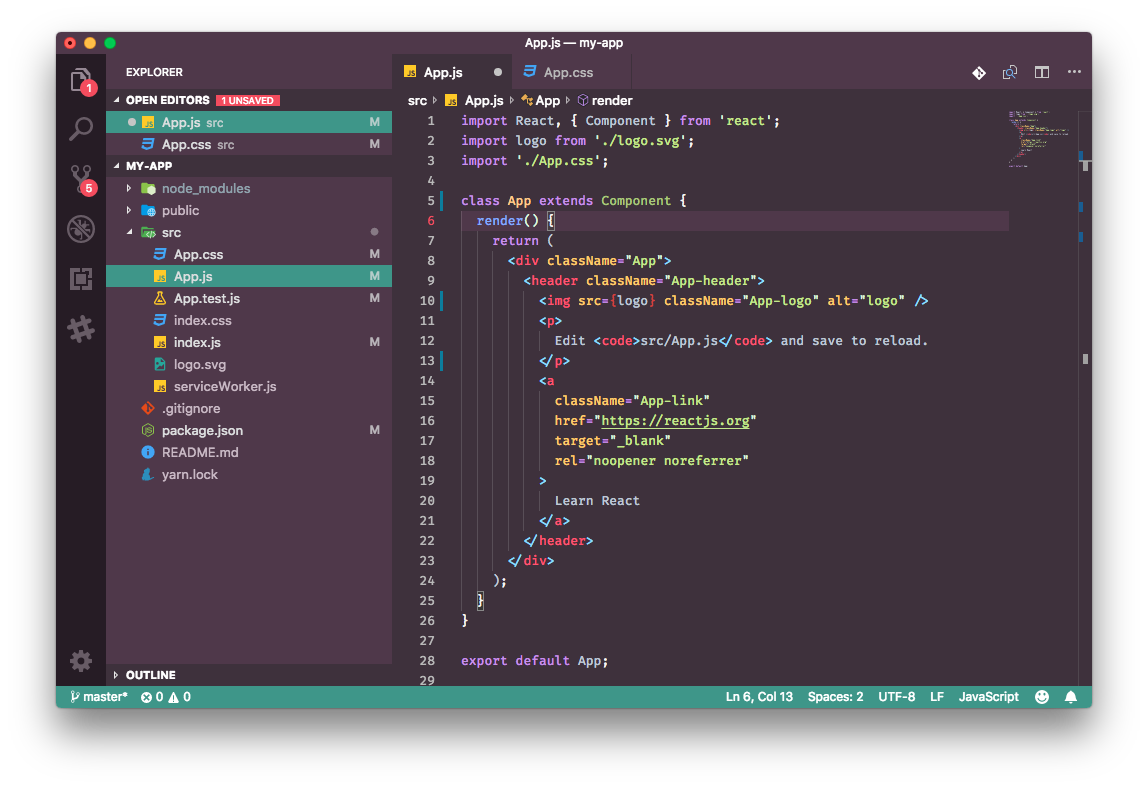
This extension is available in the Visual Studio Code Marketplace:
- On VS Code go to View -> Command Palette
- Then enter Install Extension
- Write Slack Theme
- Select it or press Enter to install
Have you identified any bugs or improvements? Contact me or feel free to change the project at GitHub.
Head over to GitHub to contribute.
If you are using VSCode 1.12+ versions you can customize the colors to your liking, overriding the ones provided by this theme. More info here.
This theme is maintained by the following person(s).
 |
|---|
| felipemendes |
MIT License - Slack Theme