



- 🤖 Introduction
- ⚙️ Tech Stack
- 🔋 Features
- 🤸 Quick Start
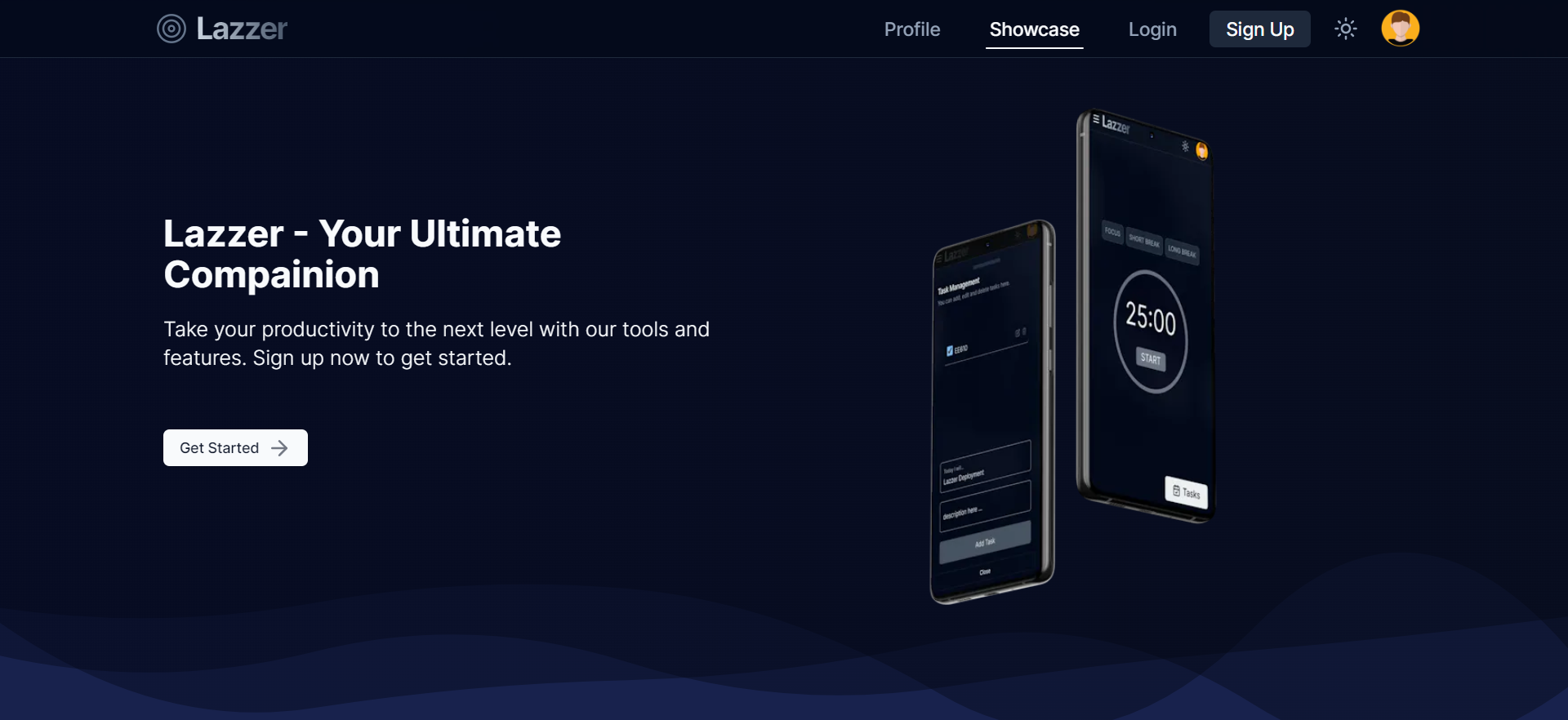
Lazzer is a productivity tool that helps users manage their tasks, take notes, and stay focused.
It is a modern web application that offers a range of features such as a Pomodoro Timer, Task Management, Rich Text Editor, and Canvas Drawing. The application is fully responsive and can be accessed on any device, ensuring a seamless user experience.
- Next.js
- Mongoose
- NodeMailer
- Axios
- Zod
- React-hook-form
- Tailwind CSS
- Excalidraw
- Editor.js
👉 Landing Page: Build entire landing page from single resuable react component.
👉 Authentication: Robust Authentication using JWT, Bcrypt.js, NodeMailer.
👉 Pomodoro Timer: Pomodoro Timer with 25 min work and 5 min break cycle for enhanced productivity.
👉 Task Management: Task Management with CRUD operations.
👉 Rich Text Editor: Block style Rich-text Editor for quick and organized notes.
👉 Canvas Drawing: Interactive canvas drawing feature for users to create and edit drawings.
👉 Responsiveness: Seamless adaptability across all devices, ensuring optimal viewing experience for every user.
Follow these steps to set up the project locally on your machine.
Prerequisites
Make sure you have the following installed on your machine:
Cloning the Repository
git clone https://github.com/rajeshiitk/lazzer.git
cd lazzer
Installation
Install the project dependencies using npm:
npm installRunning the Project
npm run devOpen http://localhost:3000 in your browser to view the project.