






This library provides simple and flexible C# API for Xiaomi/Aqara gateways and smart devices.

| Gateway | Market Model | Model |
|---|---|---|
| Xiaomi Gateway 2 China | DGNWG02LM | lumi.gateway.v3 |
| Multimode Gateway | ZNDMWG03LM | lumi.gateway.mgl03 |
| Multimode Gateway 2 Global | ZNDMWG04LM | lumi.gateway.mgl001 |
| Multimode Gateway 2 China | DMWG03LM | lumi.gateway.mcn001 |
| Aqara Hub E1 China | ZHWG16LM | lumi.gateway.aqcn02 |
| Device | Market Model | Model |
|---|---|---|
 Xiaomi Mijia Smart Sterilization |
MJJSQ03DY | zhimi.humidifier.v1 |
 Xiaomi Mi Robot Vacuum Cleaner |
SDJQR02RR | rockrobo.vacuum.v1 |
 Mi Robot Mop 3C |
B106CN | ijai.vacuum.v18 |
 Xiaomi Smart Plug 2 Euro |
ZNCZ302KK | cuco.plug.v2eur |
 Mijia Smart Socket 2 China |
ZNCZ07CM | chuangmi.plug.212a01 |
| Device support | Gateway 2 | Multimode Gateway | Multimode Gateway 2 | Aqara Hub E1 |
|---|---|---|---|---|
Aqara Vibration Sensor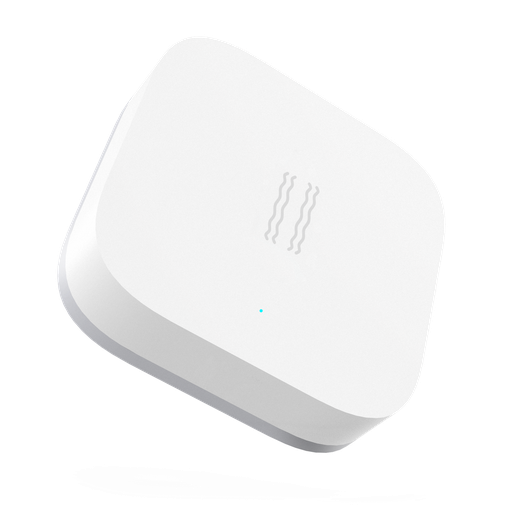 DJT11LM |
yes | yes | yes | yes |
Xiaomi Door/Window Sensor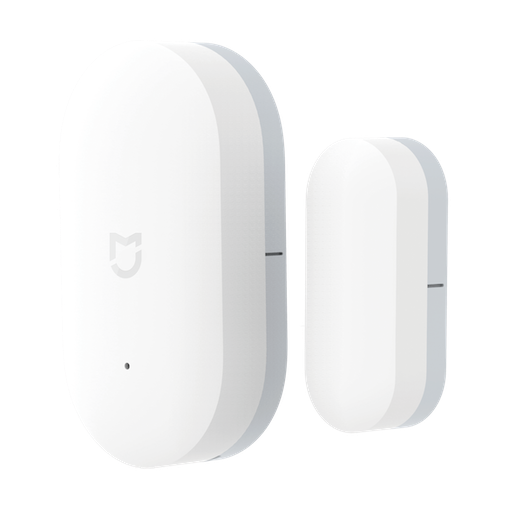 MCCGQ01LM |
yes | yes | yes | yes |
Xiaomi Door/Window Sensor 2 MCCGQ02HL |
no | yes | yes | no |
Aqara Door/Window Sensor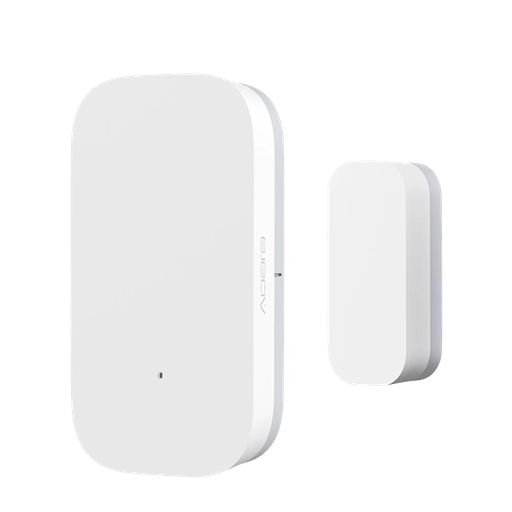 MCCGQ11LM |
yes | yes | yes | yes |
Xiaomi TH Sensor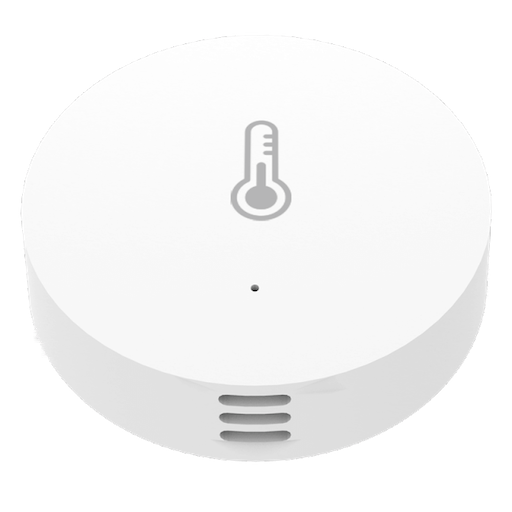 WSDCGQ01LM |
yes | yes | yes | yes |
Xiaomi TH Sensor 2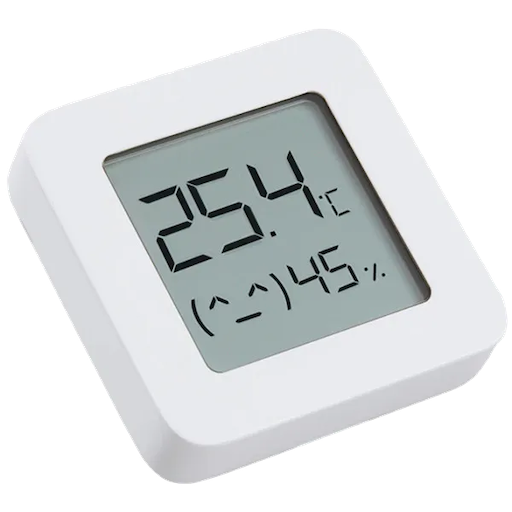 LYWSD03MMC |
no | yes | yes | no |
Aqara TH Sensor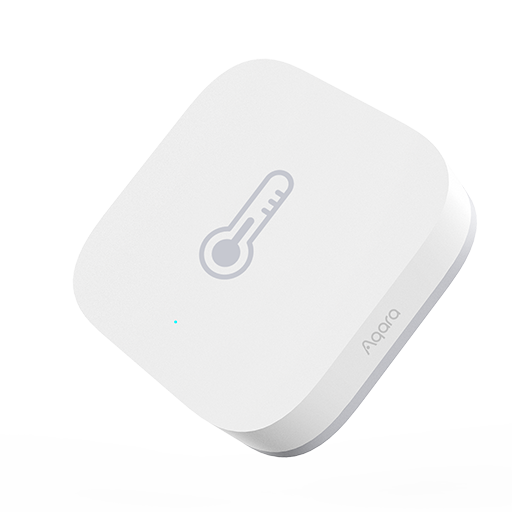 WSDCGQ11LM |
yes | yes | yes | yes |
Aqara Water Leak Sensor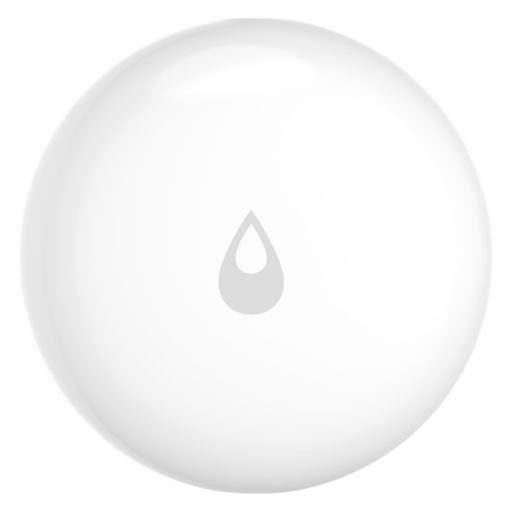 SJCGQ11LM |
yes | yes | yes | yes |
Xiaomi Motion Sensor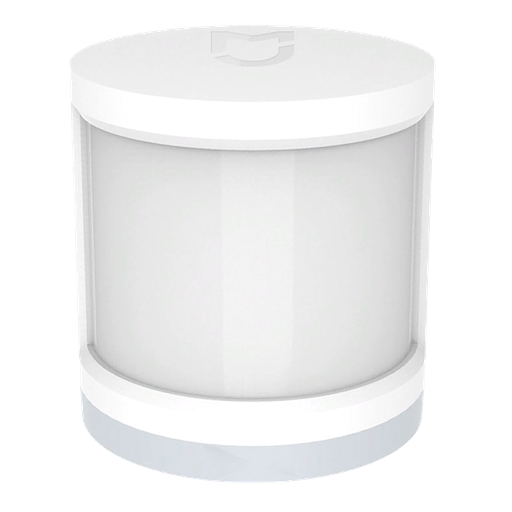 RTCGQ01LM |
yes | yes | yes | yes |
Xiaomi Motion Sensor 2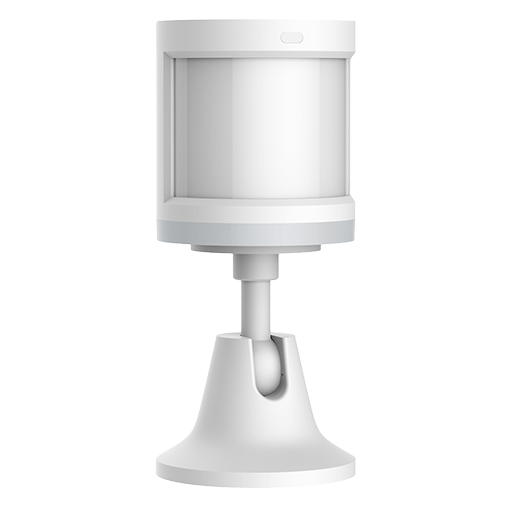 RTCGQ02LM |
no | yes | yes | no |
Aqara Relay T1 EU (with N) SSM-U01 |
no | yes | yes | yes |
Aqara Relay CN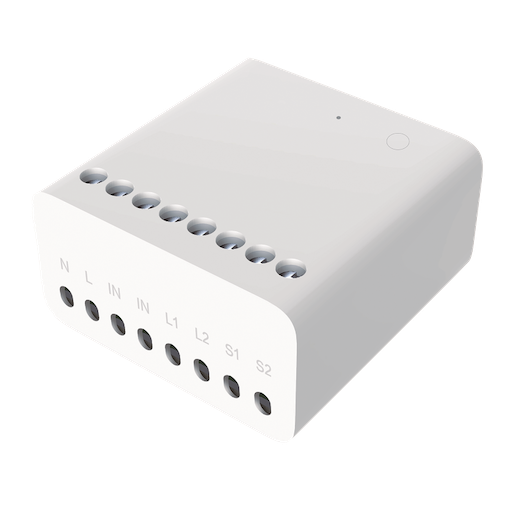 LLKZMK11LM |
no | yes | yes | yes |
Aqara Opple Switch (2 buttons)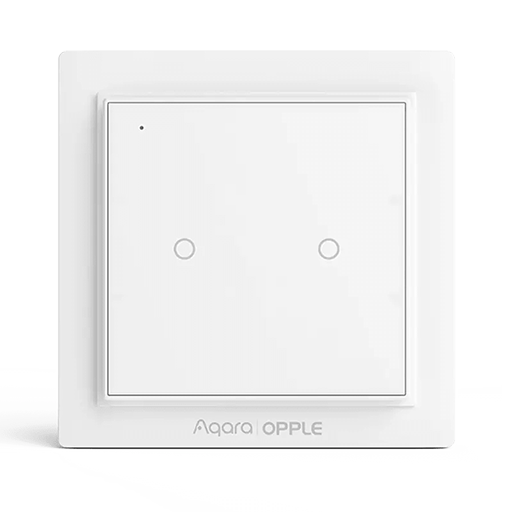 WXCJKG11LM |
no | yes | yes | yes |
Aqara Opple Switch (4 buttons)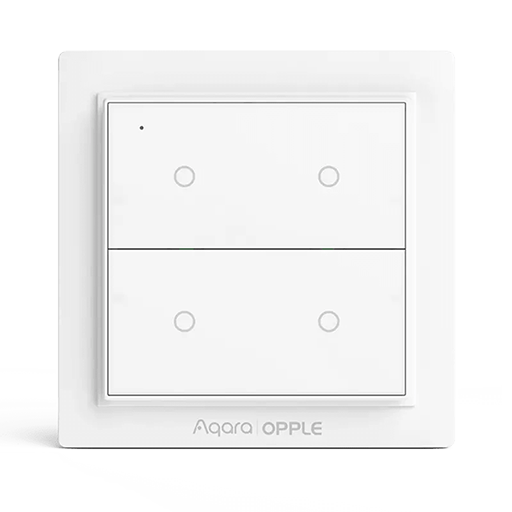 WXCJKG12LM |
no | yes | yes | yes |
Honeywell Smoke Sensor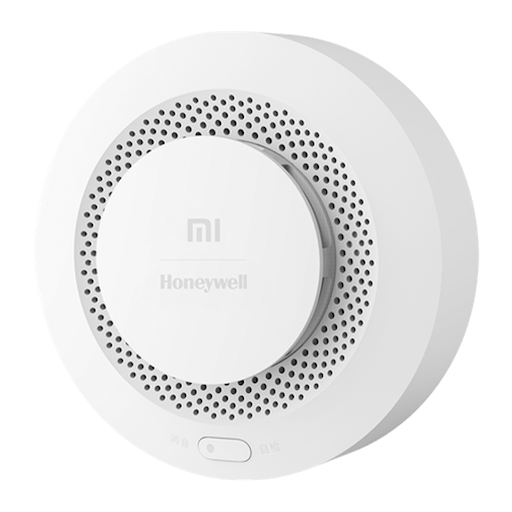 JTYJ-GD-01LM/BW |
yes | yes | yes | yes |
| Honeywell Smoke Alarm JTYJ-GD-03MI |
no | yes | yes | no |
Xiaomi Wireless Button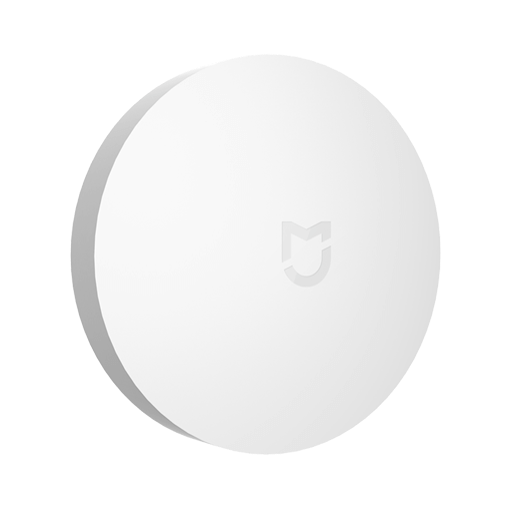 WXKG01LM |
yes | yes | yes | yes |
Xiaomi Plug CN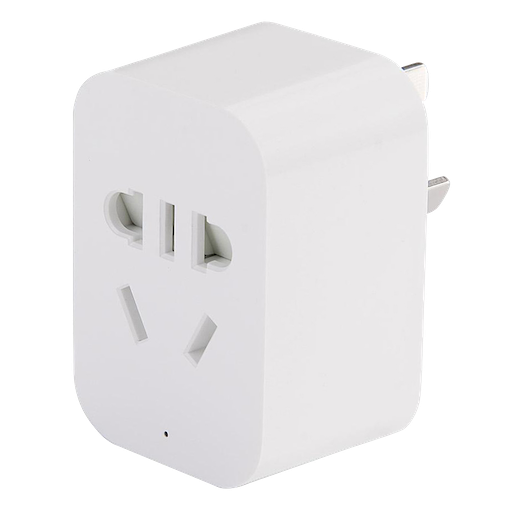 ZNCZ02LM |
yes | yes | yes | yes |
Aqara Double Wall Switch (no N)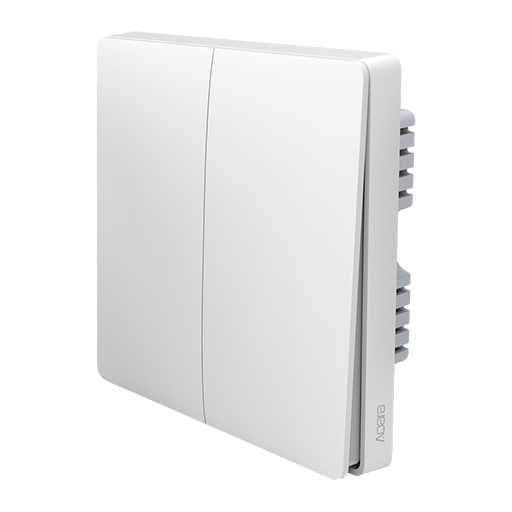 QBKG03LM |
yes | no | no | no |
Aqara Double Wall Button CN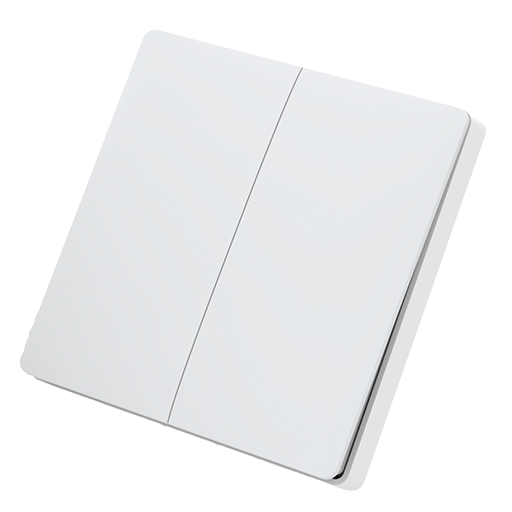 WXKG02LM |
yes | no | no | no |
Aqara Cube EU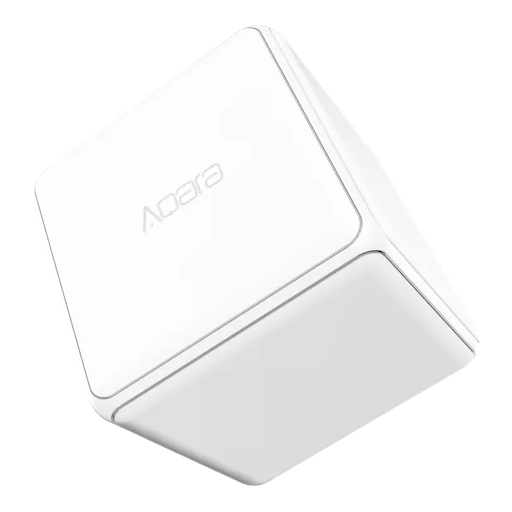 MFKZQ01LM |
yes | no | no | no |
via nuget package manager
Install-Package MiHomeLib
or
dotnet add package MiHomeLib
or install via GitHub packages
Before using this library you should setup development mode on your gateway, instructions how to do this.
This mode allows to work with the gateway via UDP multicast protocol.
Warning 1:
If you bought a newer revision of Xiaomi Gateway 2 (labels in a circle)

It could be possible that ports on your gateway required for UDP multicast traffic are closed.
Before using this library ports must be opened. Check this instruction.
Warning 2: Mi Home Gateway uses udp multicast for messages handling, so your app must be hosted in the same LAN as your gateway. If it is not you have to use multicast routers like udproxy or igmpproxy or vpn bridging.
Warning 3: If your app is running on windows machine, make sure that you disabled virtual network adapters like VirtualBox, Hyper-V, Npcap, pcap etc. Because these adapters may prevent proper work of multicast traffic between your machine and gateway
Before using this library:
- Open telnet on your gateway
- Expose MQTT broker to the world
- Extract token to work with your gateway
The easisest way is to setup/configure this HA integration (it does all aforementioned things automatically).
The way of warrior:
- Enable telnet on your gateway
- Download this openmiio_agent and upload it to your gateway (for example to /data/openmiio_agent) via telnet
- Login to your gateway via telnet
telnet <gateway ip> 23(login: admin or root, pwd: empty) - Kill embedded mosquitto mqtt broker and run openmiio_agent (it will expose mqtt port 1883 to the world)
kill -9 <pid of mosquitto> && /data/openmiio_agent mqtt & - Check that mosquitto is binded to
0.0.0.0 1883netstat -ntlp | grep mosquitto - Extract token instructions
Before using this library you need:
- Open telnet on your gateway
- Find out device id (did) of the gateway
- Find ip and token of the gateway
More details in the project's WIKI
Get all devices in the network from the Xiaomi Gateway 2
public static void Main(string[] args)
{
    // gateway sid is optional, use only when you have 2 or more gateways in your LAN
    // using var gw2 = new XiaomiGateway2("ip", "token", "gateway sid");
    using var gw2 = new XiaomiGateway2("<gateway ip>", "<gateway token>");
    {
        gw2.OnDeviceDiscoveredAsync += d =>
        {
            Console.WriteLine(d.ToString());
            return Task.CompletedTask;
        };

        gw2.DiscoverDevices();
    }
}
Get all devices in the network from the Xiaomi Multimode Gateway
public static void Main(string[] args)
{
    using var multimodeGw = new MultimodeGateway("<gateway ip>", "<gateway token>", "<did>");
    {
        multimodeGw.OnDeviceDiscoveredAsync += d =>
        {
            Console.WriteLine(d.ToString());
            return Task.CompletedTask;
        };

        multimodeGw.DiscoverDevices();
    }
}
Get all devices in the network from the Xiaomi Multimode Gateway 2 Global
public static void Main(string[] args)
{
    using var multimodeGw2 = new MultimodeGateway2Global("<gateway ip>", "<gateway token>", "<did>");
    {
        multimodeGw2.OnDeviceDiscoveredAsync += d =>
        {
            Console.WriteLine(d.ToString());
            return Task.CompletedTask;
        };

        multimodeGw2.DiscoverDevices();
    }
}
Get all devices in the network from the Xiaomi Multimode Gateway 2 China
public static void Main(string[] args)
{
    using var multimodeGw2 = new MultimodeGateway2China("<gateway ip>", "<gateway token>", "<did>");
    {
        multimodeGw2.OnDeviceDiscoveredAsync += d =>
        {
            Console.WriteLine(d.ToString());
            return Task.CompletedTask;
        };

        multimodeGw2.DiscoverDevices();
    }
}
Get all devices in the network from the Aqara Hub E1 Gateway
public static void Main()
{
    using var gw = new AqaraHubE1China("ip", "token", "did");
    {
        gw.OnDeviceDiscoveredAsync += d =>
        {
            Console.WriteLine(d.ToString());
            return Task.CompletedTask;
        };

        gw.DiscoverDevices();
    }
    Console.ReadLine();
}Check detailed documentation on how to work with different devices in the project's WIKI
Your pull requests are welcome to replenish the database of supported devices